
Independent PDF Tool Guide

iLovePDF Automation

  • PDF Automation Moves From Clicks to Workflows

    PDF Automation Moves From Clicks to Workflows

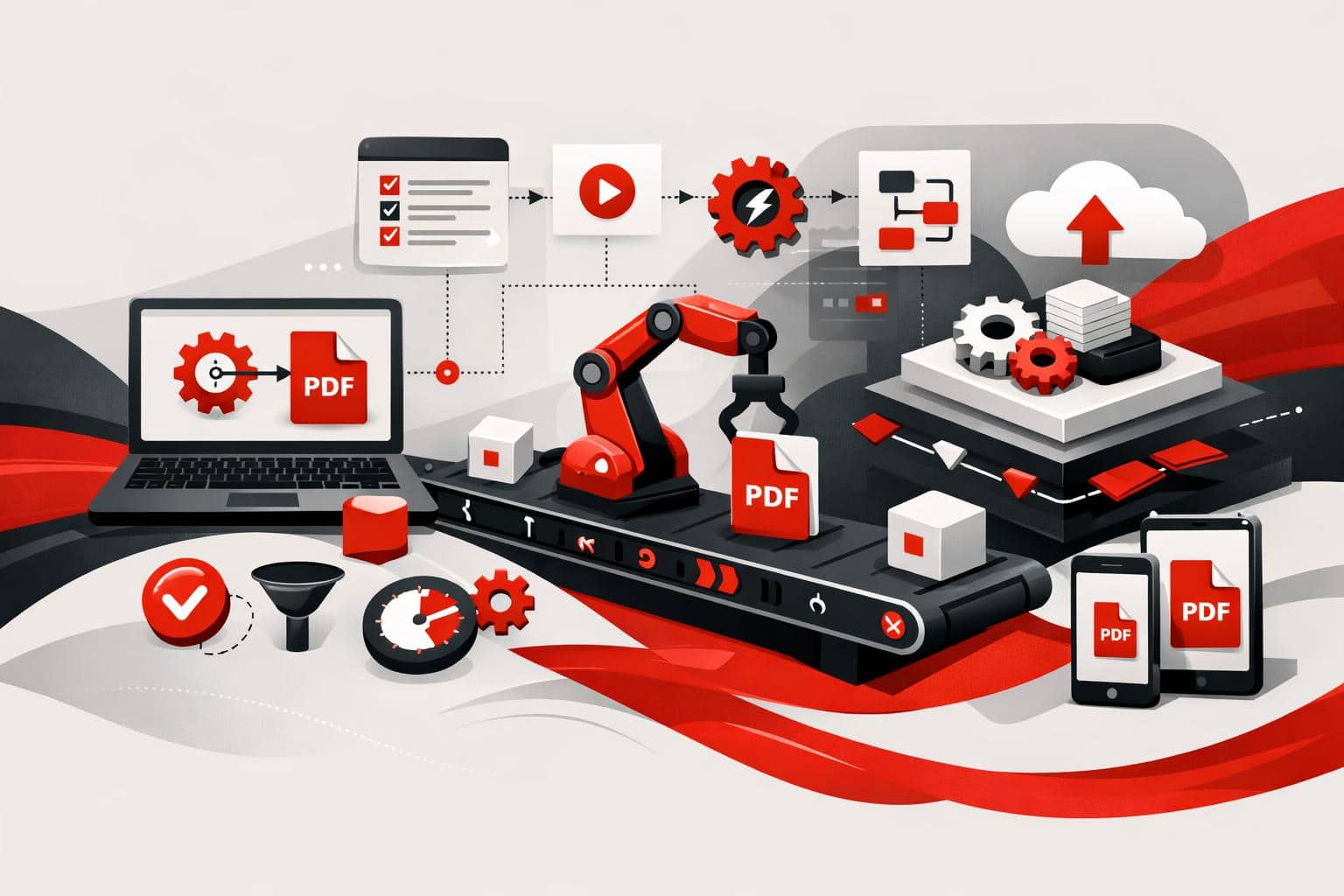
    iLovePDF is pushing document work beyond manual uploads by offering two automation routes, no-code connectors for teams that want fast workflow wins, and iLoveAPI for developers who need PDF, image, and signature features inside their own software.

    What changes when documents run themselves

    Most PDF work is not intellectually difficult. It is repetitive, fragmented, and expensive in small increments. Compressing invoices, merging contract attachments, converting files, resizing images, requesting signatures, and filing the result are classic workflow tax.

    Automation removes the human from the click path. A trigger starts the job, such as a new email attachment, an approved quote, or an uploaded product image, then the workflow runs the required document steps without another manual action.

    The market now splits into a simple three-part model: connect for no-code workflow automation, embed for API-driven product features, and interpret for AI-ready document intelligence. iLovePDF now has a position in all three layers through iLovePDF, iLoveSign, iLoveIMG, and iLoveAPI.

    No-code automation for everyday file work

    No-code is the fastest path when the goal is to connect the tools a team already uses. Platforms such as Zapier, Make, Microsoft Power Automate, and n8n can trigger iLovePDF, iLoveSign, and iLoveIMG actions from common business events. The iLoveAPI integrations page lists connectors for PDF, image, and e-signature workflows.

    A practical example is an accounts payable inbox. When a supplier sends a large PDF invoice, the workflow can compress the file, rename it with the supplier name and date, save it to the correct cloud folder, and notify finance in chat. The employee reviews the invoice, not the file handling.

    The same logic applies to sales and marketing. A signed proposal can be merged with a statement of work and archived, while a new batch of product photos can be resized and optimized before reaching an online store. The value is cumulative, because ten small automations can remove hundreds of low-value clicks each week.

    • Compress: Reduce large PDFs as soon as they arrive.
    • Sign: Send approved documents into an e-signature flow.
    • Convert: Turn PDFs, images, or office files into the required format.
    • File: Move finished documents into the right folder or record.

    Odoo brings document tasks into the record

    The new Odoo connectors matter because ERP work loses momentum when users jump between tabs. Odoo often holds the customer, invoice, quote, contract, or HR record, so the document action should happen there as well.

    The iLovePDF connector for Odoo brings PDF compression into Odoo Documents, including bulk compression and file size insights. That keeps attachments smaller without pulling users away from the business record they are already handling.

    For sales, that means a quote can move toward signature from the opportunity context. For finance, it means bulky attachments can be compressed before storage or sharing. For legal and operations, it reduces the risky habit of downloading sensitive files, processing them elsewhere, then re-uploading the result.

    The API route for product teams

    No-code solves routine operations. The API solves product integration. iLoveAPI exposes PDF, image, and signature capabilities through a REST API, so developers can build document processing directly into internal platforms, SaaS products, customer portals, and backend pipelines.

    The official API reference describes a task flow built around starting a job, uploading files, processing them, and downloading the result. The same documentation lists supported PDF tools such as merge, split, compress, protect, OCR, watermark, office conversion, and PDF to Markdown.

    Five AI tools expand the workflow

    The newer AI tools move iLoveAPI from file manipulation toward document understanding. Summarize can condense long documents, PDF Forms can detect or fill fields, Smart Split can separate bundled documents by content, PDF to Markdown can produce structured text for websites and AI systems, and Translate can make document content usable across languages.

    That shift is important because modern document pipelines often feed search indexes, language models, compliance systems, or customer dashboards. A PDF that becomes clean Markdown, a short summary, and structured form data is no longer just a file. It becomes usable business input.

    Python support lowers the developer barrier

    The API now supports Python alongside PHP, .NET, Ruby, and Node.js. The official iLovePDF GitHub organization includes libraries and examples, and the Python library covers automation tasks such as compression, merging, splitting, conversion, protection, and PDF to Markdown.

    That matters for AI and data teams, because Python is the default language in many document intelligence stacks. Developers can prototype a document pipeline in the same language they use for data extraction, evaluation, and model orchestration.

    How to choose the right path

    The decision rule is simple: choose no-code when the workflow connects existing apps, choose the API when the document feature must live inside software. If a finance manager can describe the process as “when this happens, do that,” no-code is usually enough. If a developer needs authentication, custom logic, volume handling, or native user experience, the API is the cleaner foundation.

    Route Best fit Typical user Main advantage
    No-code connectors Automating repeated tasks across existing apps Operations, finance, marketing, sales Fast setup without developer time
    Odoo connectors Compressing and signing documents inside ERP records Teams that work mainly in Odoo Less switching between systems
    REST API Embedding document tools into products or internal platforms Developers and product teams Greater control, scale, and native integration
    AI document tools Preparing documents for models, search, summaries, and data extraction Data, AI, and automation teams Turns static files into structured workflow inputs

    A sensible rollout starts with the tasks that hurt most often. Automate inbound compression, signature routing, contract archiving, image optimization, and PDF to Markdown conversion first. Move only the high-volume or product-critical workflows into the API after the pattern is proven.

    Security and next steps

    Automation is only useful if teams can trust the file path. iLovePDF says its file handling uses encryption, GDPR-oriented controls, and ISO 27001 certification, and its security overview explains how uploaded files are protected during processing. More detail is available on the company’s file safety explainer and business page.

    The strategic point is not that every document should become an automation project. It is that repeated file handling should stop competing with actual work. Start with no-code for quick operational relief, keep Odoo work inside Odoo where possible, and use iLoveAPI when document processing needs to become part of the product itself.
  • What GITEX Africa Revealed About PDF Workflows

    What GITEX Africa Revealed About PDF Workflows

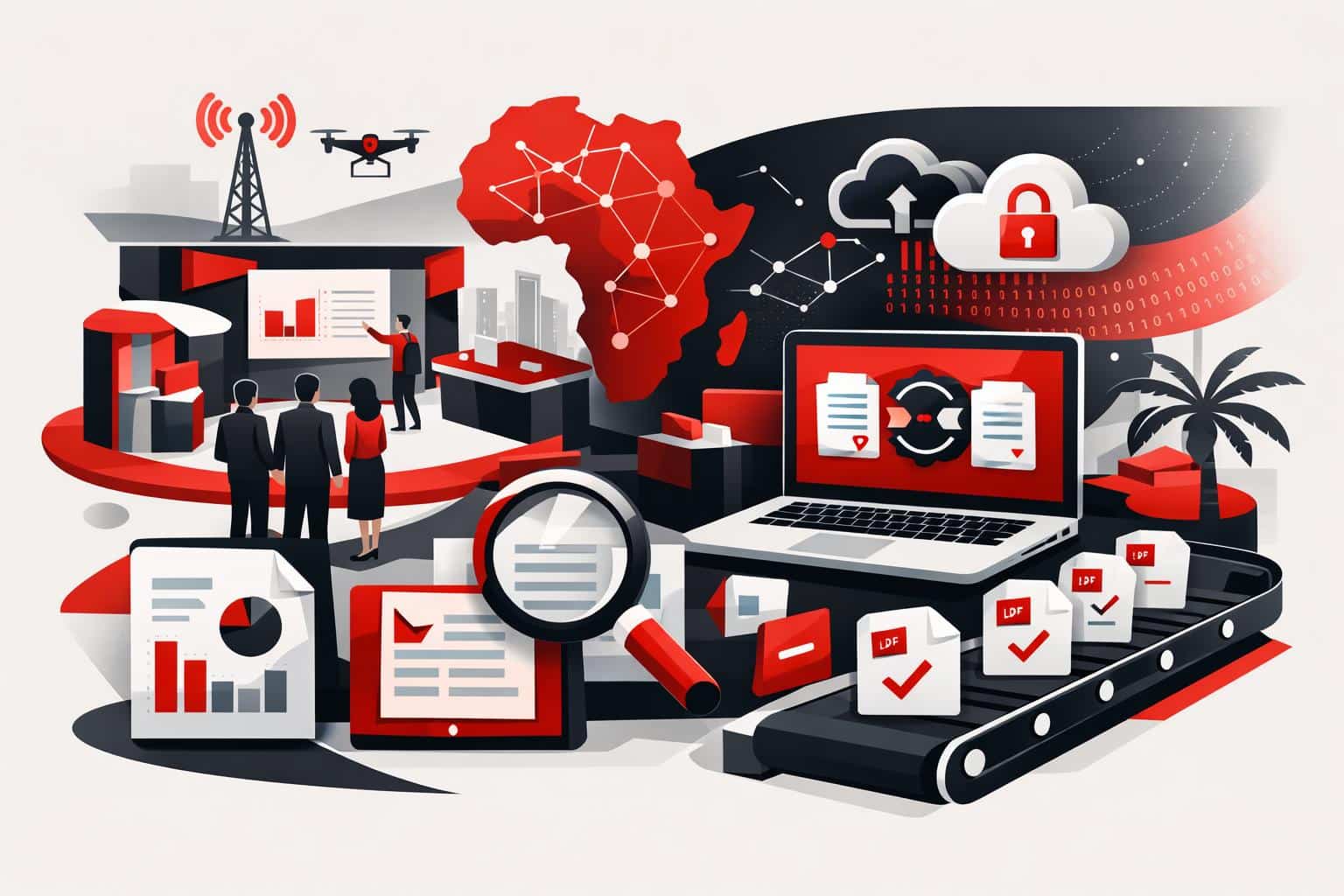
    At GITEX Africa 2026, the strongest signal was not a new feature, it was a shift in expectations: PDF work is being treated as an automated, integrated, security reviewed workflow, not a one off file fix. The conversations described in iLovePDF’s April 17, 2026 event recap centered on three buying triggers, automation at volume, integration into existing systems, and tighter control over sensitive documents.

    The questions teams kept repeating

    Across demos and hallway conversations, the same problems surfaced in different industries. Developers asked how to stop manual PDF handling from turning into a queue. Product teams asked how to plug PDF steps into tools already running the business. Security and compliance teams asked where files go, how long they stay there, and what controls exist.

    • Automation, turning repeated PDF tasks into a workflow that runs reliably.
    • Integration, connecting PDF processing to existing apps instead of forcing a rip and replace.
    • Scalability, handling spikes in volume without adding headcount.
    • Data control, knowing where processing happens and what retention rules apply.

    The subtext was blunt: “What is possible?” is an old question. “What is shippable this quarter?” is the new one.

    A simple market map for PDF work

    A useful way to understand the PDF tooling market in 2026 is a three lane model. It explains why different buyers can be looking at the same vendor and still talk past each other.

    Lane How work gets done Best fit Tradeoff
    Clicks Manual web tools for one file at a time Individuals and small teams needing fast results Hard to govern, hard to scale, easy to repeat errors
    Connectors No code and low code automations across apps Ops teams standardizing repeatable document steps Limited customization, costs can rise with volume
    Code API driven processing embedded in products Platforms handling documents as a core workflow Requires engineering time and ongoing maintenance

    The iLovePDF story at GITEX Africa lines up with this split. According to the company’s recap, familiar everyday tools pulled in individuals, while deeper conversations concentrated on iLoveAPI for teams that need repeatability and throughput.

    From single files to automated pipelines

    “Scale” in document work rarely means one huge file. It usually means thousands of ordinary files arriving continuously, invoices, statements, application packets, claims, onboarding forms. At that point, PDF handling becomes operations infrastructure, and manual steps become a measurable bottleneck.

    For developer led teams, the typical answer is API based processing, where compression, conversion, split and merge, or security steps run inside an existing system. iLoveAPI positions itself for this use case, with public documentation aimed at building PDF tasks into applications. A starting point is the API reference and guides at iLoveAPI documentation.

    A concrete example you can picture

    A lender receives 2,000 monthly application bundles as mixed formats. A workflow can convert office files to PDF, merge attachments into a single packet, compress for faster review, apply a watermark, and then route the final PDF for signature. The operational win is not one step, it is removing ten minutes of human handling from every packet, without losing traceability.

    A clear decision rule

    If a PDF step repeats often enough that people have written a checklist for it, the workflow is ready for automation. As a practical threshold, once a process is run more than 50 times per week, moving it into a connector or an API usually costs less than continued manual handling, especially when errors carry compliance or customer impact.

    Integration is expected, not a premium feature

    The GITEX Africa conversations described a market where integrations are treated as table stakes. Buyers do not want another dashboard, they want PDF functions inside the tools already in use.

    There are two common integration paths:

    • No code automation, useful when a business needs speed and standard actions. The iLovePDF app directory on Zapier illustrates how common this route has become, see iLovePDF integrations on Zapier.
    • Workflow platforms, where PDF steps become part of broader business automation. Microsoft lists an iLovePDF connector for Power Automate scenarios at Microsoft Learn iLovePDF connector.

    APIs remain the most flexible option when product teams need custom logic, tight control over error handling, and predictable performance at volume.

    Security questions that decide purchases

    Document processing often means processing sensitive data. That is why security and retention details are no longer “fine print” topics. They show up early in evaluations, and they can end a deal quickly when answers are vague.

    According to iLovePDF’s security documentation, the service emphasizes encryption and published controls, see iLovePDF Security and Data Protection. The company also publishes a legal hub that summarizes privacy and retention expectations, including a two hour deletion window for many standard tools, see iLovePDF legal information.

    Why “where is it processed” became the sharper question

    The most specific version of the security conversation is data residency. Some teams need documents processed inside a chosen region because of regulation, customer contracts, or internal policy. iLovePDF describes Regional File Processing as a way for certain plans to select where files are processed, see Choose where your files are processed with iLovePDF.

    For procurement and compliance reviews, the documentation footprint matters as much as the feature list. iLovePDF also publishes a Data Processing Agreement page for teams that need formal terms, see iLovePDF Data Processing Agreement.

    Students as the hidden power users

    One surprise highlighted in the event recap was the number of students who approached the booth with practical problems. Their needs look simple, but the workflow pressure is real, tight deadlines, inconsistent file formats, and devices that change between campus and home.

    The most common tasks are straightforward, merge lecture slides, convert files for submission, and tidy PDFs without heavyweight software. The difference in 2026 is that summarization is now part of study workflow, not a novelty, for example tools like iLovePDF AI Summarizer position “extract the gist fast” as a first class feature.

    For students and educators, iLovePDF promotes an education offering that includes a student program with Premium access, see iLovePDF for Education.

    How to choose a starting point

    A practical way to choose tools is to start from the constraint, not the feature list.

    • If speed to value matters most, start with the online tools and standardize a simple checklist, then measure where time is lost.
    • If the workflow spans multiple apps, move to connectors and automate triggers, approvals, and routing.
    • If documents are core to the product, treat PDF handling as backend infrastructure and build on an API, so quality, logging, and governance can be engineered.

    For context on the event itself, GITEX Africa publishes its 2026 conference and agenda information at GITEX AFRICA conference agenda.