
 Merge PDF
 Split PDF
 Organize PDF
 Scan to PDF
 Remove pages
 Compress PDF
 Repair PDF
 OCR PDF
 PDF Summarizer
 Translate PDF
 JPG to PDF
 WORD to PDF
 POWERPOINT to PDF
 EXCEL to PDF
 HTML to PDF
Convert from PDF Go to PDF upload
 PDF to JPG
 PDF to WORD
 PDF to POWERPOINT
 PDF to EXCEL
 PDF to PDF/A
 Rotate PDF
 Add page numbers
 Add watermark
 Crop PDF
 Edit PDF
 Unlock PDF
 Protect PDF
 Sign PDF
 Redact PDF
Guide & News
-
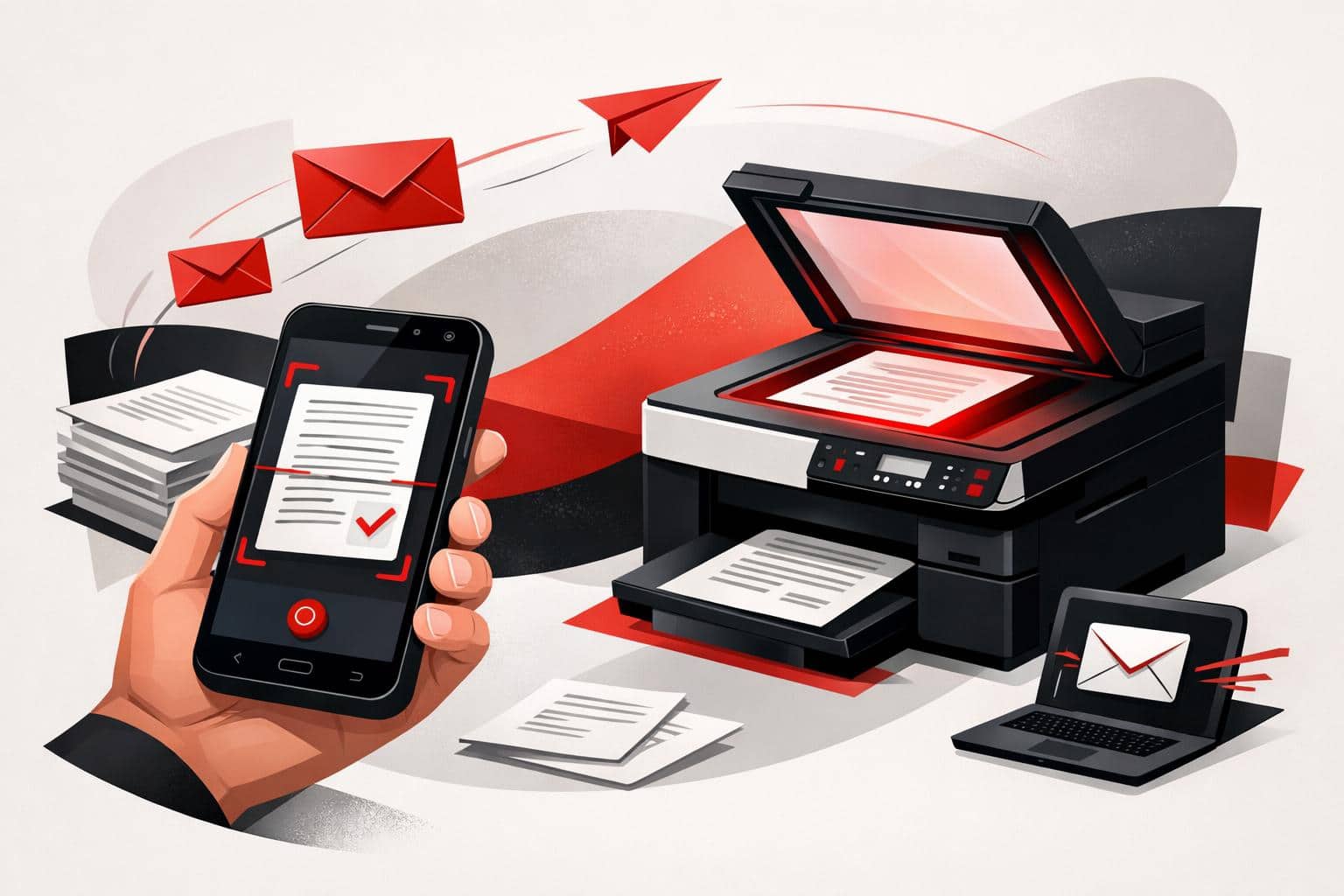
Scan Documents to Email From Phones or Printers
To email a paper document, scan it as a PDF with the iLovePDF Mobile App, then share it through your email app. A printer with Scan to Email can also send scans once its network and email settings are configured. Scan and email from your phone The iLovePDF Mobile App…
-
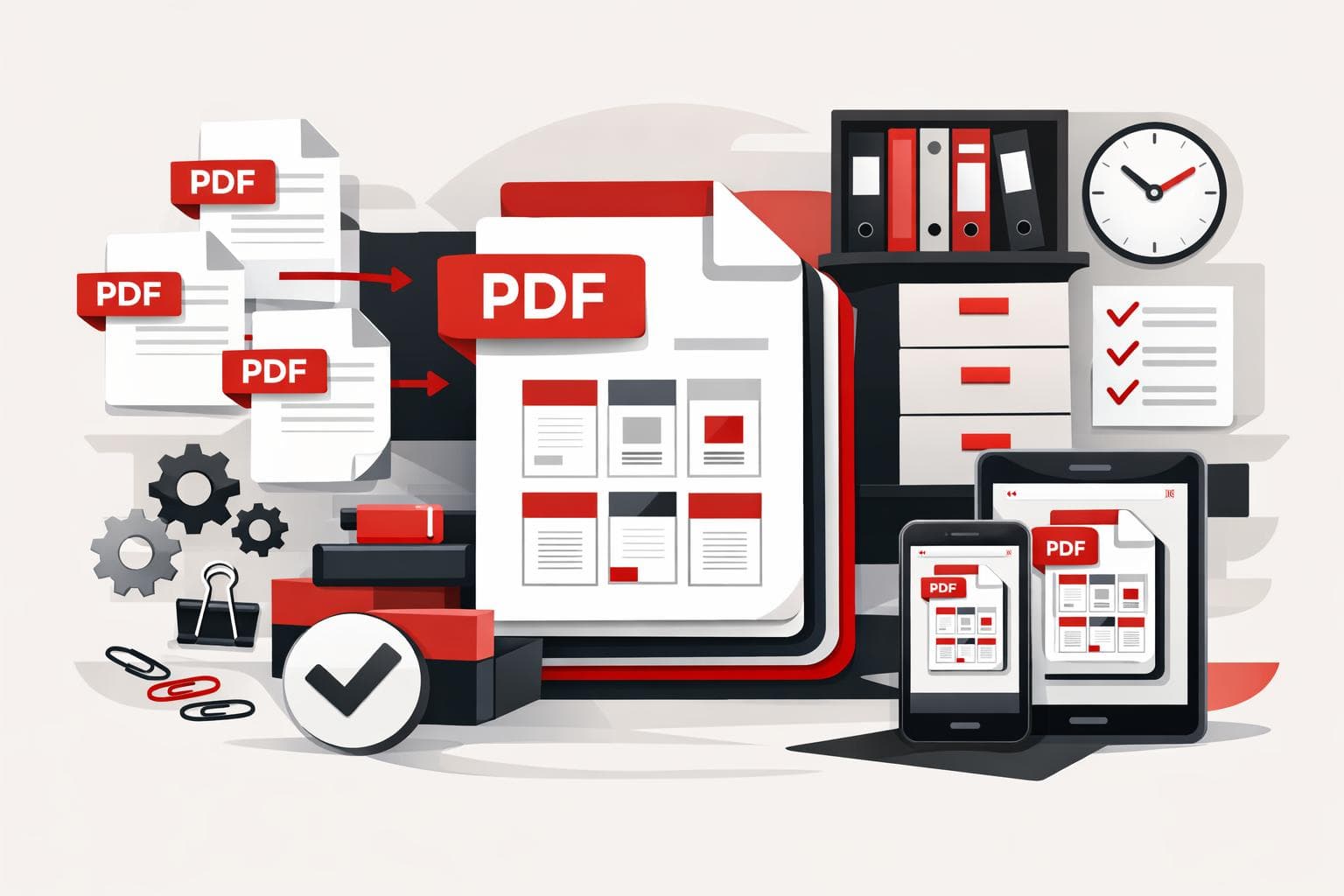
How PDF Merging Keeps Documents Under Control
A PDF merger combines separate documents into one ordered file, which makes sharing cleaner and lowers the risk of missing attachments. iLovePDF supports this workflow in the browser, on desktop, on mobile, and through business integrations, so the right option depends on file volume, privacy needs, and where the work…
-
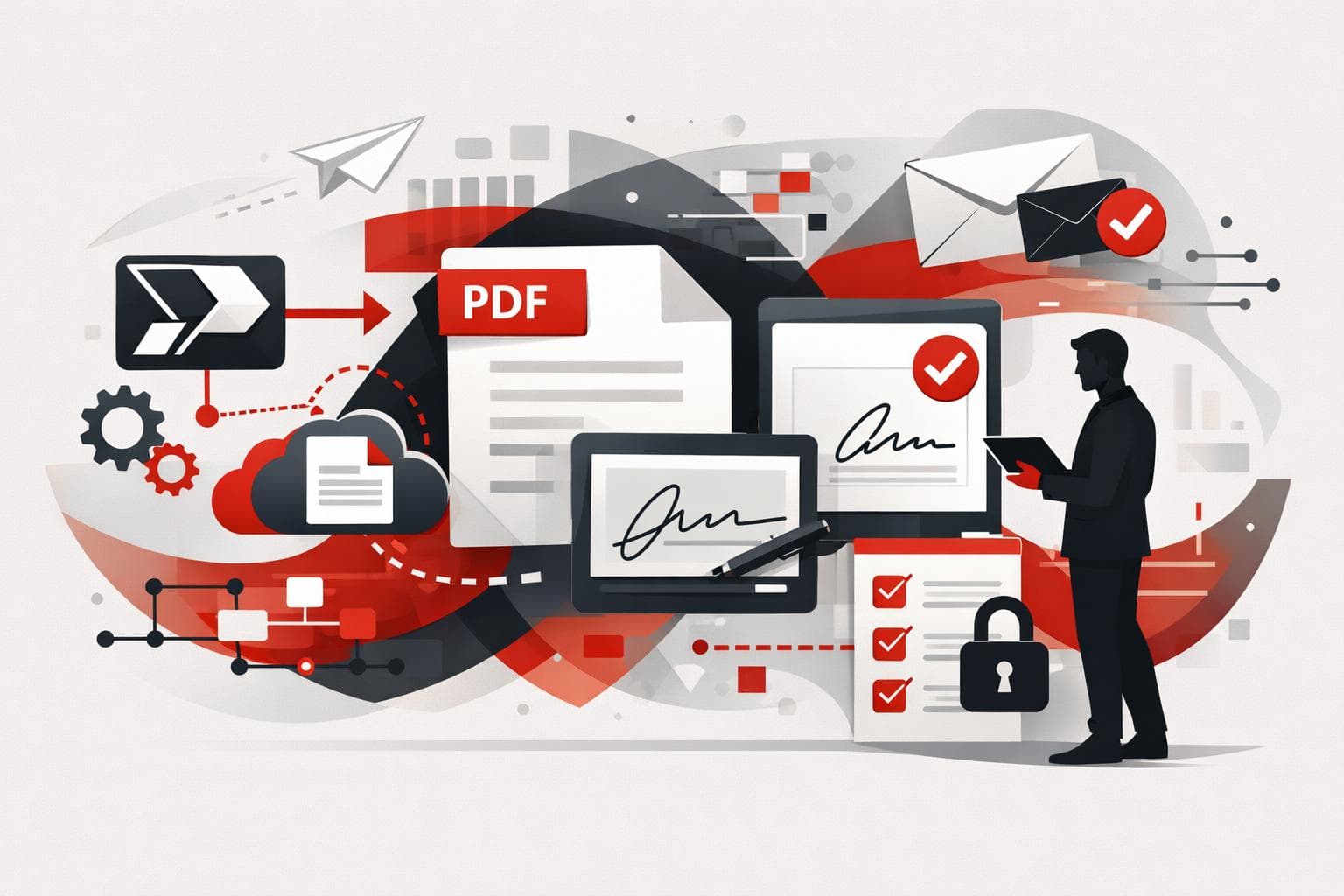
Power Automate Gains Smarter PDF and Signing Workflows
iLovePDF and iLoveSign now let teams automate PDF processing and electronic signatures directly inside Microsoft Power Automate. The practical shift is simple, a document can be compressed, converted, protected, archived, and sent for signature without anyone downloading it, editing it manually, and uploading it again. Why this matters for workflow…
-

iLovePDF brings legal workflow controls to Fenalaw
iLovePDF will attend Fenalaw 2026 in São Paulo to show law firms how everyday PDF work can move from individual shortcuts to managed officewide workflows. The company will be at Rua 05, Stand 22, from October 27 to 29, with a 20% discount on premium attendee packages through the code…
-
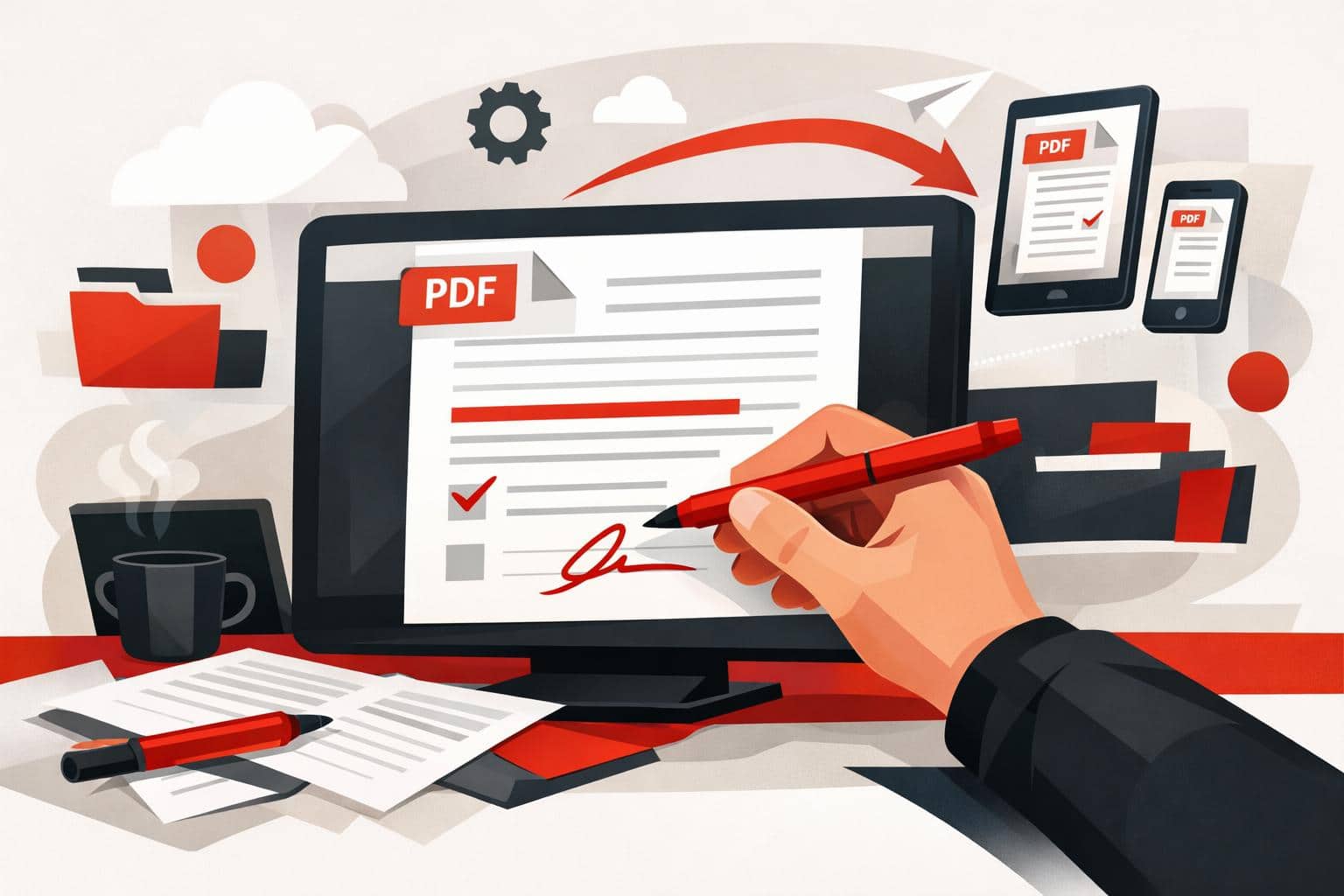
How to Write on PDFs Without Installing Software
The quickest way to write on a PDF is to open it in an online editor, add text, drawings, shapes, comments, or images, then download the updated file. iLovePDF offers this through its PDF Editor, so basic annotation work can happen in the browser without installing desktop software. The fastest…
-
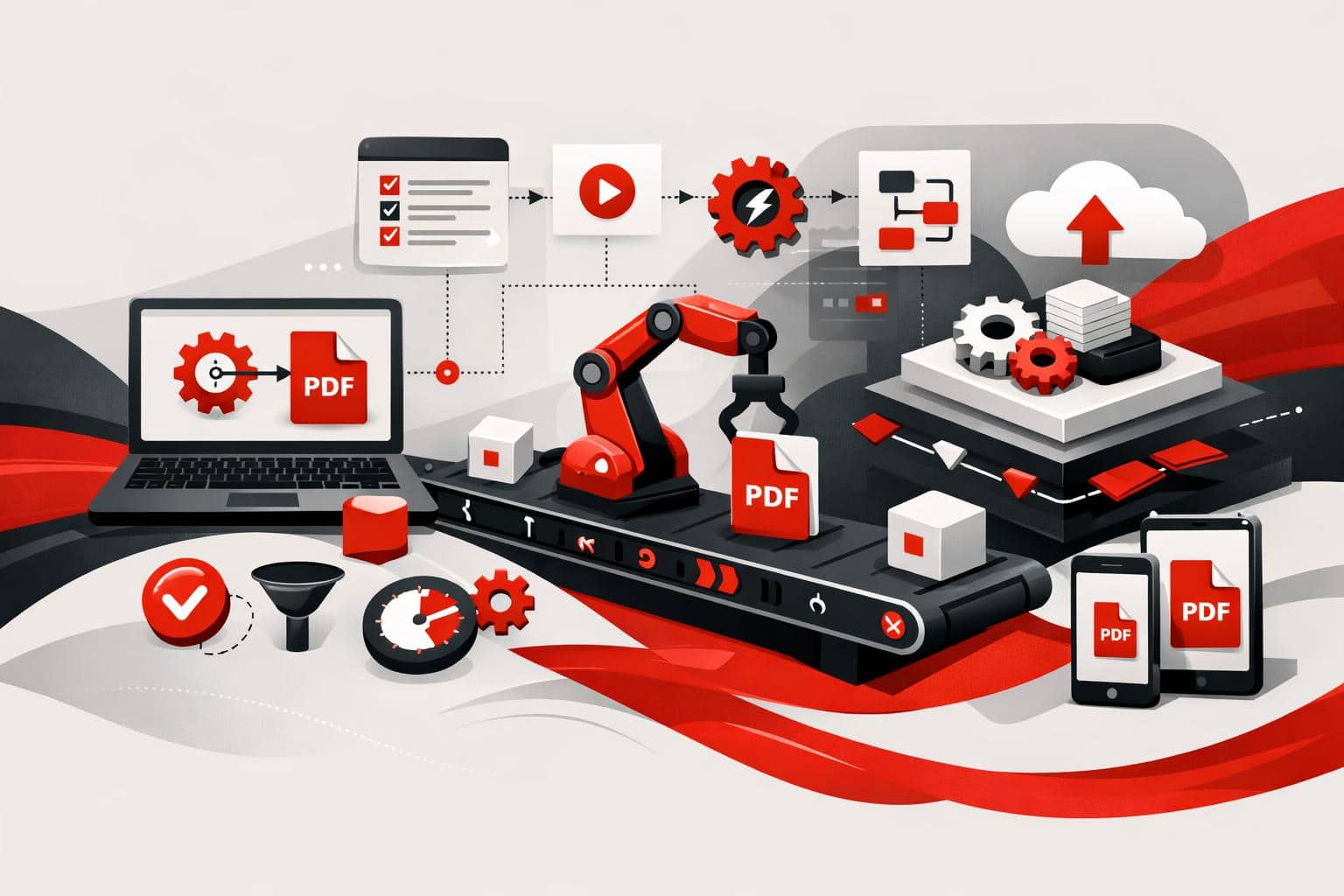
PDF Automation Moves From Clicks to Workflows
iLovePDF is pushing document work beyond manual uploads by offering two automation routes, no-code connectors for teams that want fast workflow wins, and iLoveAPI for developers who need PDF, image, and signature features inside their own software. What changes when documents run themselves No-code automation for everyday file work Odoo…
-
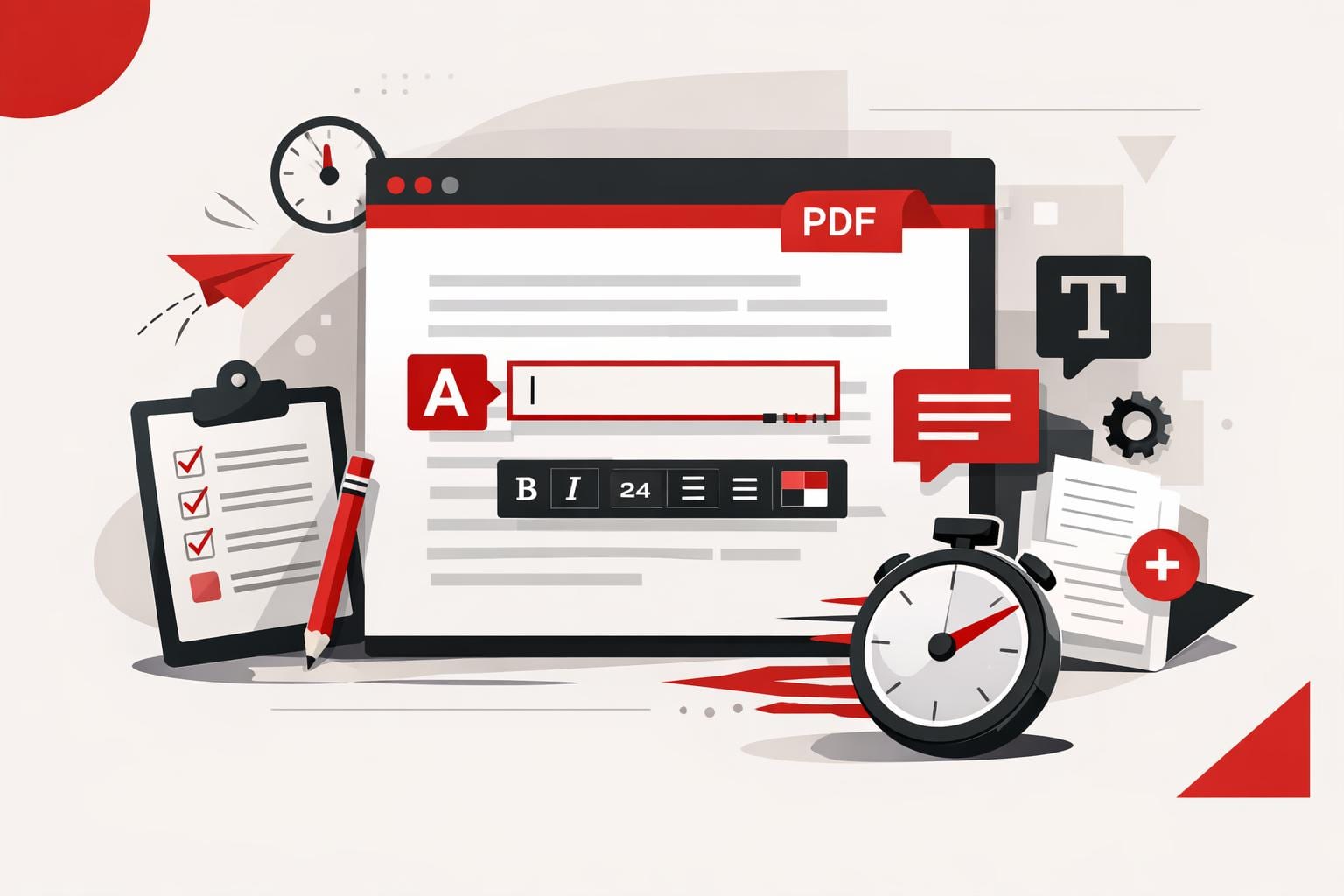
How to Add Text to a PDF Quickly
The fastest way to add text to a PDF is to use an online PDF editor, upload the file, place a text box on the page, adjust the formatting, and export the updated document. This works best for comments, labels, dates, short corrections, and titles, while larger rewrites usually need…
-
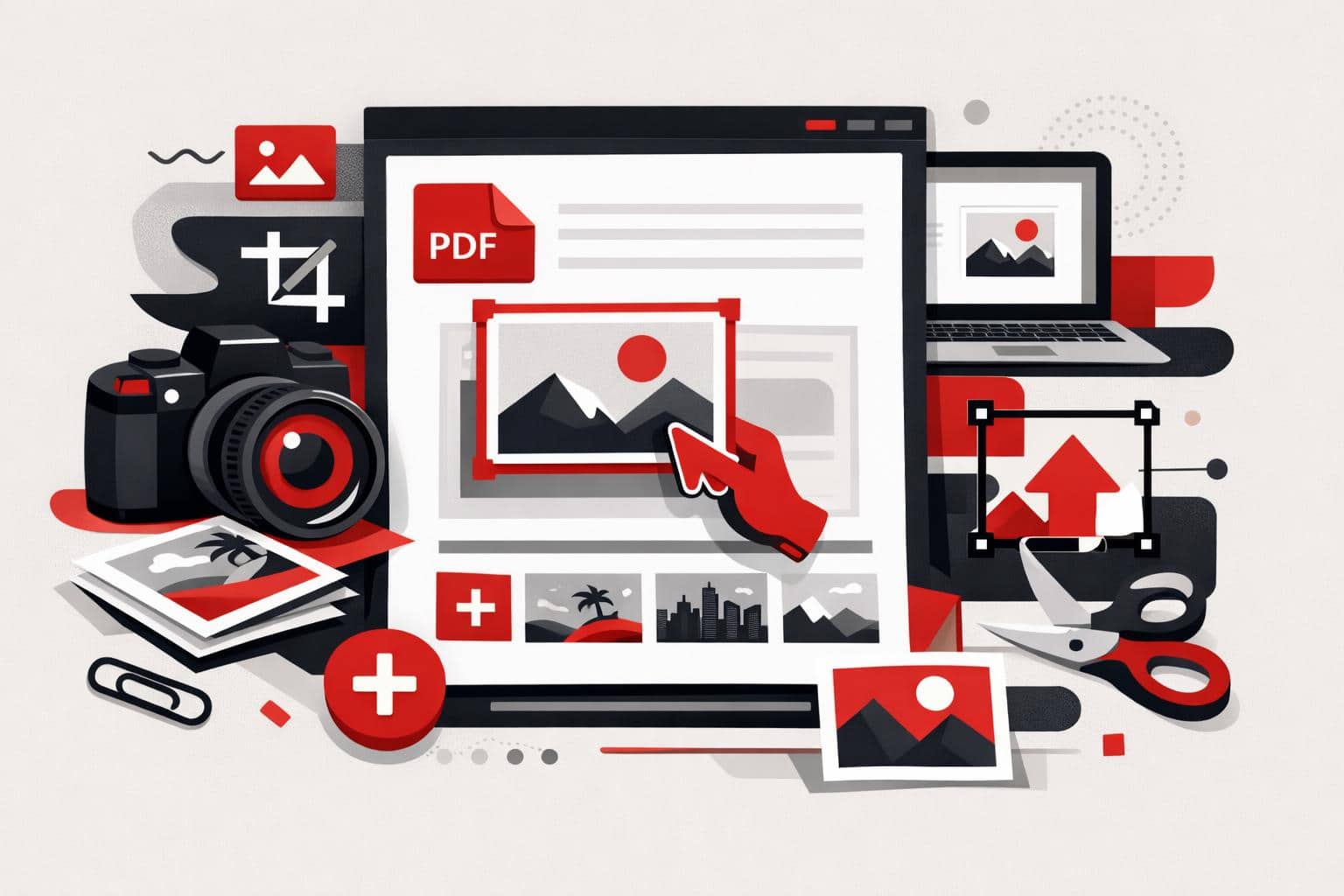
How to Add Images to PDF Files
The fastest way to add a picture to an existing PDF is to use a PDF editor, upload the document, choose an image, place it on the page, then export the updated file. With iLovePDF Edit PDF, this can be done online without printing, scanning, or returning to the original…
-
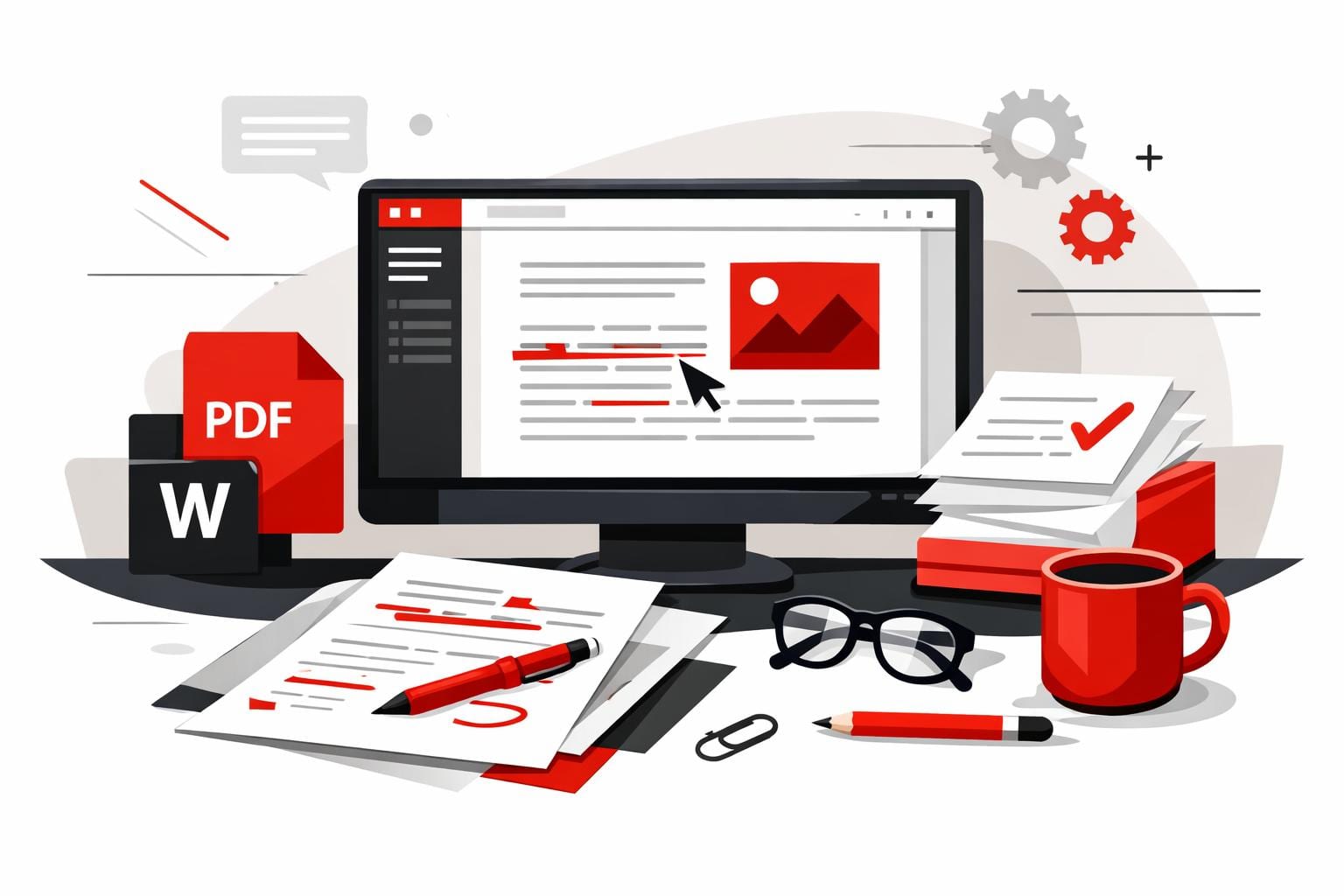
How to Edit PDFs in Word Correctly
The cleanest way to edit a PDF in Word is to convert it into a DOCX file first, preferably with OCR when the PDF contains scanned pages or locked text. Opening a PDF directly in Word can work for simple files, while a PDF editor is better for small text…