
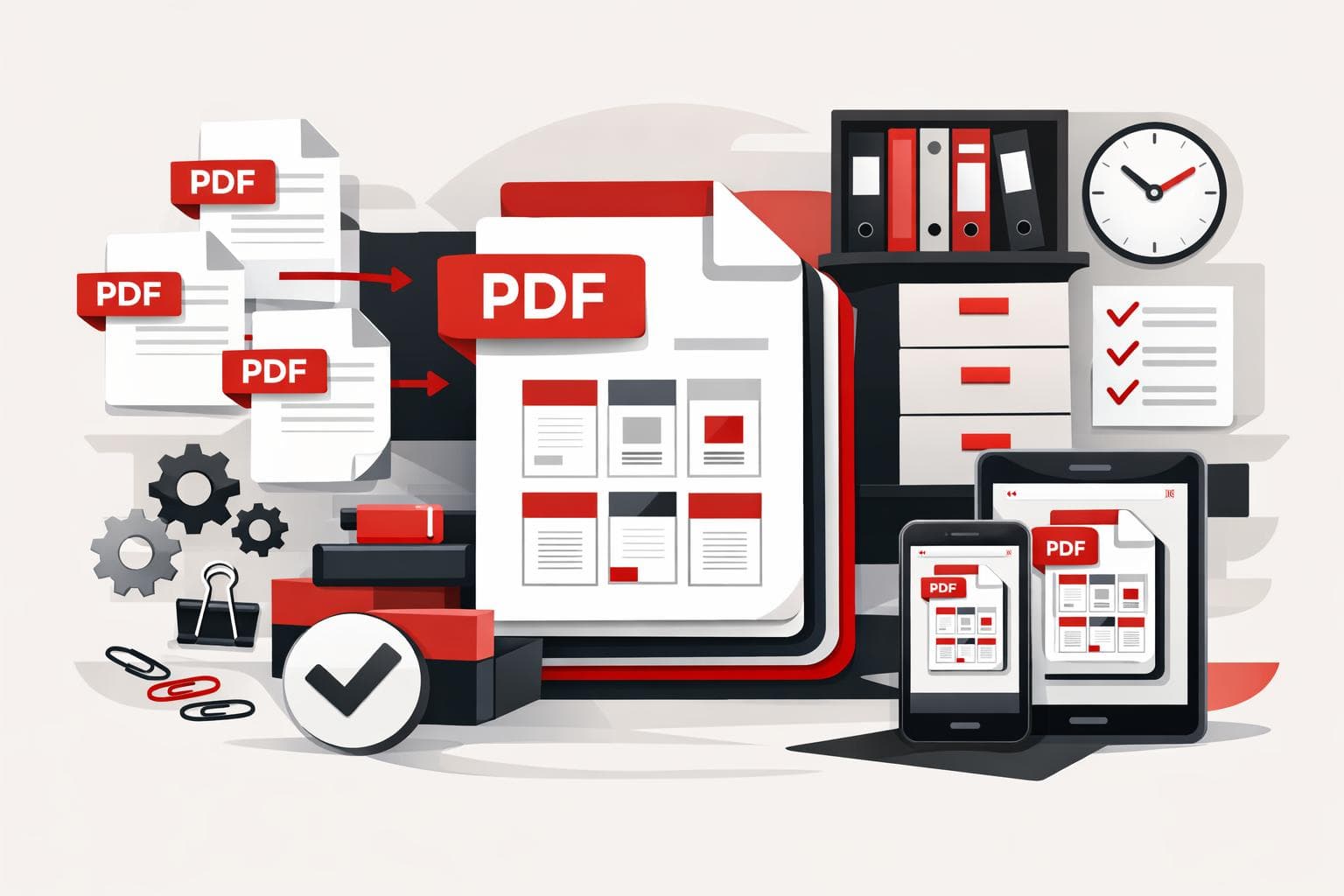
A PDF merger combines separate documents into one ordered file, which makes sharing cleaner and lowers the risk of missing attachments. iLovePDF supports this workflow in the browser, on desktop, on mobile, and through business integrations, so the right option depends on file volume, privacy needs, and where the work happens.
Why PDF merging still matters
PDF merging solves a simple but persistent document problem, scattered files create friction. A single PDF is easier to review, forward, archive, upload to portals, and attach to formal submissions.
The old workaround was physical and wasteful, print every document, reorder the pages by hand, then scan everything back into one file. A modern online tool such as iLovePDF Merge PDF removes that loop and lets users arrange files digitally before producing the final document.
The useful way to classify PDF merging is the control model: convenience for quick browser tasks, control for desktop work, and scale for teams that process large batches. This model helps users pick the tool rather than treating every PDF job the same way.
Best use cases for merged PDFs
Merging is most valuable when the recipient should see one complete package instead of a folder of separate attachments. That applies to business handoffs, school submissions, legal packets, sales proposals, HR onboarding files, and portfolio applications.
A practical example is a job application portfolio. The applicant may have a resume, certificates, writing samples, spreadsheet results, and image files. Converting or combining those pieces into one polished PDF gives the employer a single document to open, review, and store.
The same logic works for group assignments. If five students each submit their section as a PDF, the final editor can arrange the files in the agreed order and submit one coherent document instead of five disconnected uploads.
How to merge PDFs with iLovePDF
The browser workflow is designed for speed. Open the merge tool, upload PDFs from the device or connected cloud storage, arrange the documents in the right sequence, then run the merge and download the result.
- Upload, choose PDFs from the computer, Google Drive, or Dropbox where available.
- Order, drag files into the preferred sequence before processing.
- Merge, create one combined PDF and download it.
- Store, save the final file locally or send it back to cloud storage if that fits the workflow.
The clear decision rule is simple: use the web tool for occasional merging, use the desktop app for frequent or heavier document work, and consider Premium when upload limits or batch volume slow the process.
Choose web, desktop, or mobile
The web version is the fastest route when the files are ready and the job is straightforward. It avoids software installation and works well for one-off tasks such as combining a contract, invoice, and cover letter into a single PDF.
The iLovePDF Desktop app fits users who merge files often, process heavier documents, or prefer local workflows. The desktop product also supports offline work, which matters when the connection is unreliable or the files should stay on the device during processing.
The iLovePDF Mobile app is useful when the document work starts on a phone or tablet. It turns quick tasks such as merging, scanning, signing, compressing, and sharing into mobile actions instead of waiting for a laptop.
For organizations, an API matters because it lets software trigger PDF tasks automatically. A REST API is a structured interface that allows one application to request a service from another, for example generating a merged PDF after a customer completes an online form.
Security, limits, and Premium use
PDF tools often handle contracts, identification documents, invoices, and academic records, so security cannot be treated as a cosmetic feature. iLovePDF states on its security page that it uses encryption protocols including HTTPS, protects data in transit and at rest, and does not retain user documents as a storage service.
The company also says on its legal and privacy page that uploaded and processed files are encrypted and deleted from its servers within 2 hours. The same page references ISO/IEC 27001 certification, which is an international standard for information security management.
Free merging is enough for many individual users, but limits matter once document processing becomes routine. The iLovePDF pricing page separates basic access from Premium and Business plans, with Premium aimed at broader tool access, higher usage, and work across web, mobile, and desktop.
Quick answers
Can PDFs be reordered before merging? Yes. iLovePDF documentation says users can arrange selected files before creating the merged document through the help documentation.
Can merging work on a phone? Yes. The mobile app supports PDF workflows from smartphones and tablets, which is useful for commuting, field work, or last-minute document edits.
When should a file be split instead of merged? Split a PDF when the recipient needs only part of a document, such as one chapter, one signed page, or a single invoice from a large packet. Merge when the recipient needs the full set in one file.
What is the safest workflow for sensitive documents? Use the desktop app when local processing is preferred, keep only necessary pages in the final PDF, and delete old drafts after the merged file has been checked.