-

iLovePDF Adds Multiple Windows on iPad and iPhone Duo
iLovePDF’s Multiple windows update lets users open separate PDFs in separate windows on iPad and iPhone Duo. Two documents can stay visible side by side for reading, reviewing, and editing. Each window keeps its own document and reading position. This lets you check a revised contract against an earlier version…
-
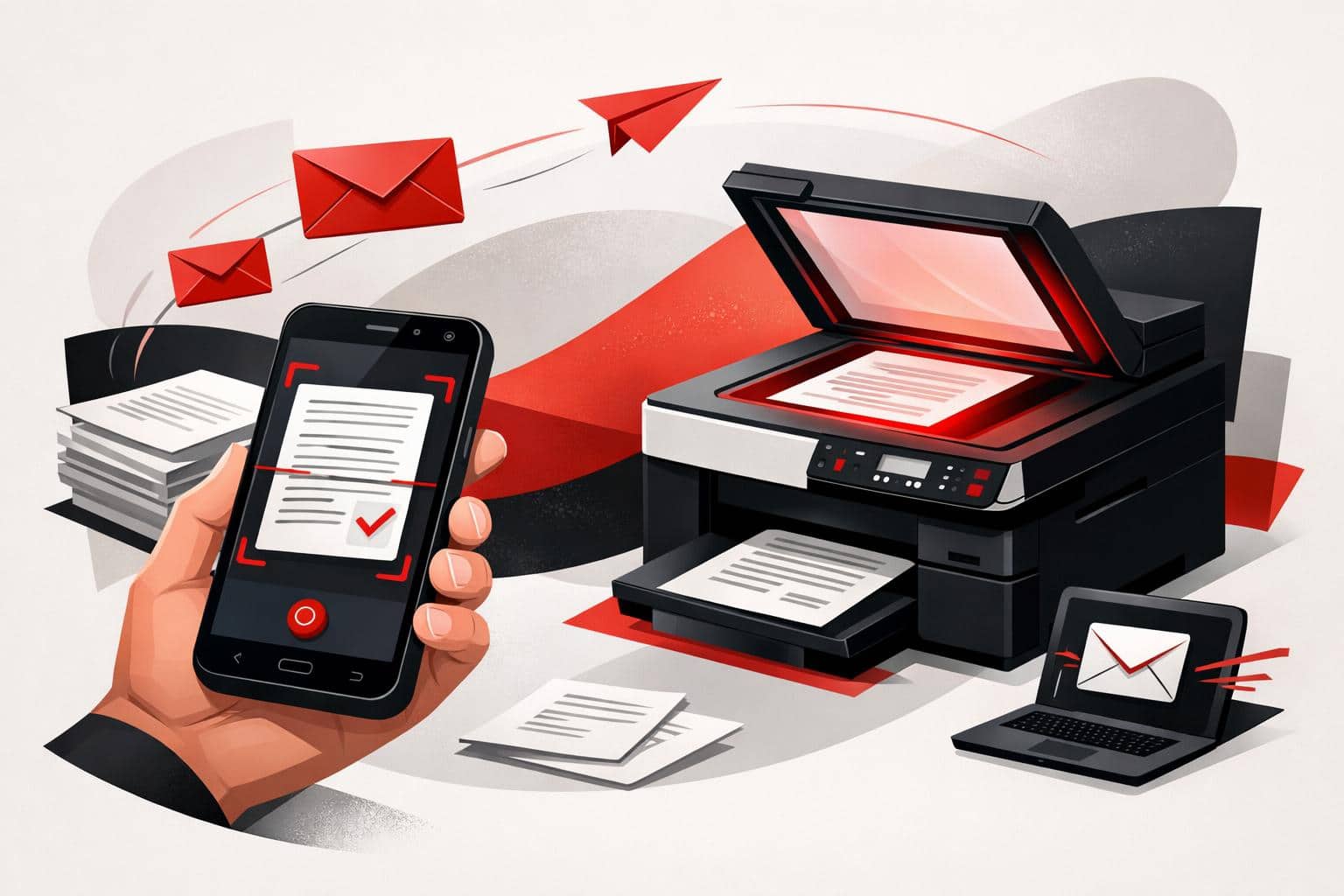
Scan Documents to Email From Phones or Printers
To email a paper document, scan it as a PDF with the iLovePDF Mobile App, then share it through your email app. A printer with Scan to Email can also send scans once its network and email settings are configured. Scan and email from your phone The iLovePDF Mobile App…
-
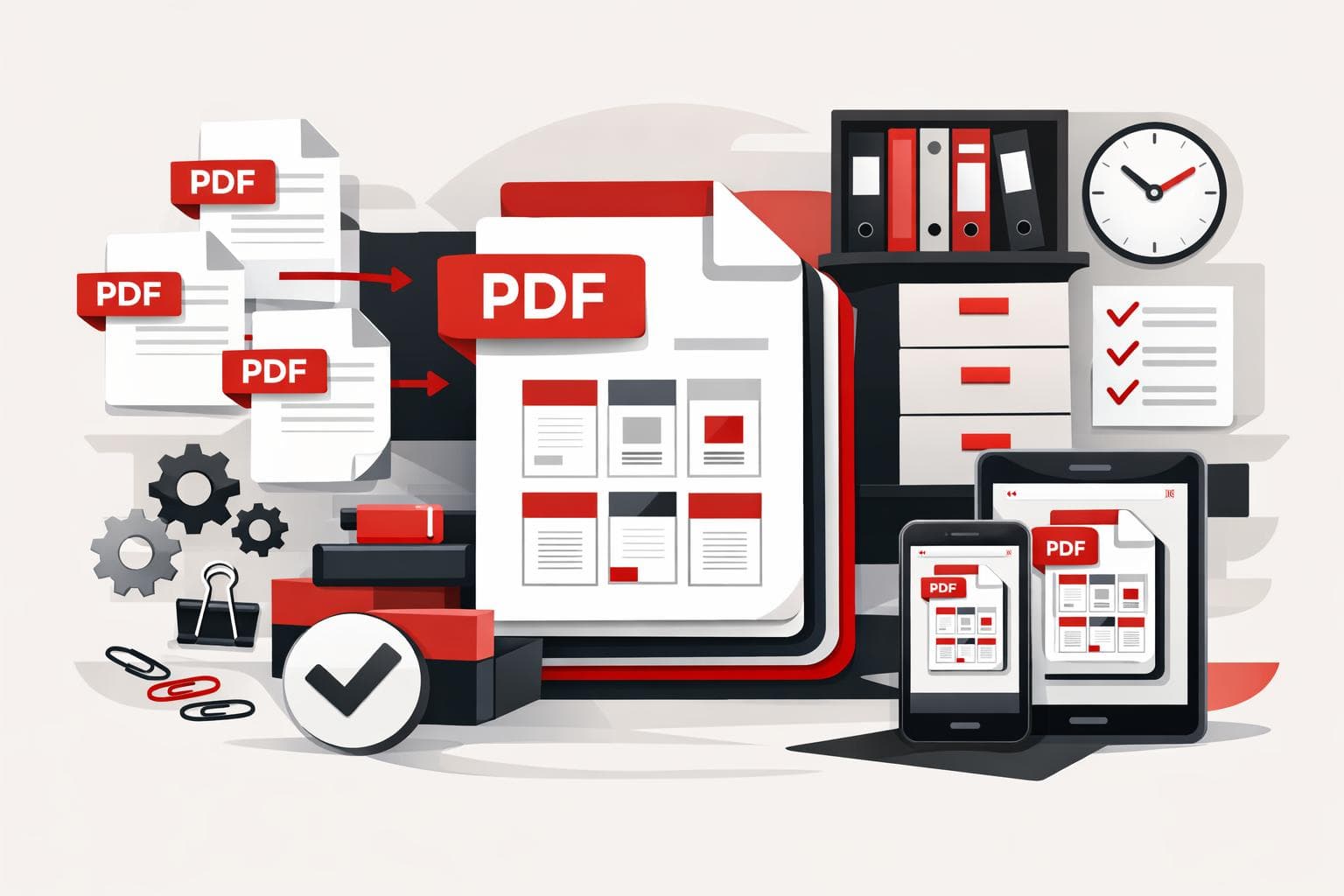
How PDF Merging Keeps Documents Under Control
A PDF merger combines separate documents into one ordered file, which makes sharing cleaner and lowers the risk of missing attachments. iLovePDF supports this workflow in the browser, on desktop, on mobile, and through business integrations, so the right option depends on file volume, privacy needs, and where the work…
-
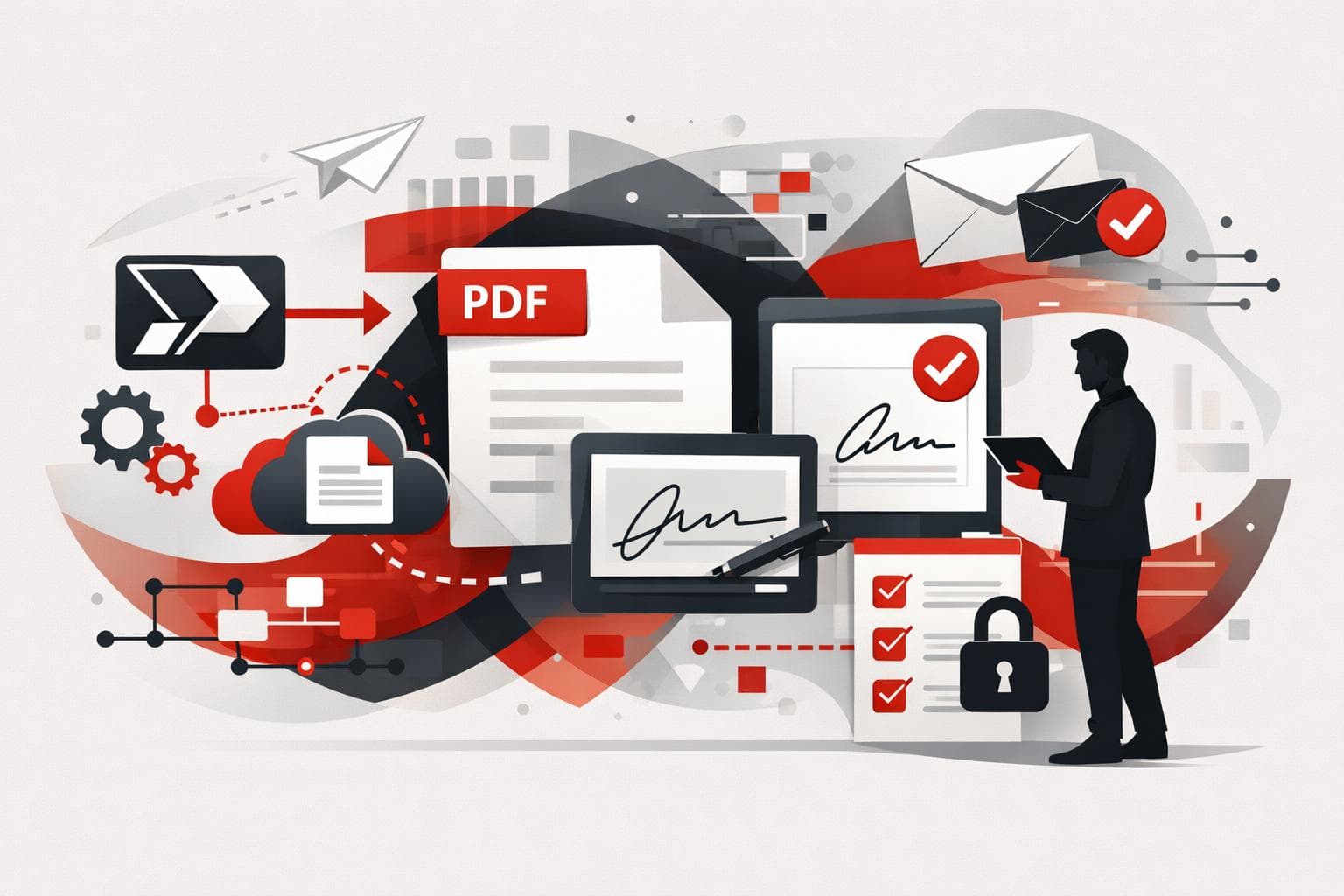
Power Automate Gains Smarter PDF and Signing Workflows
iLovePDF and iLoveSign now let teams automate PDF processing and electronic signatures directly inside Microsoft Power Automate. The practical shift is simple, a document can be compressed, converted, protected, archived, and sent for signature without anyone downloading it, editing it manually, and uploading it again. Why this matters for workflow…
-

iLovePDF brings legal workflow controls to Fenalaw
iLovePDF will attend Fenalaw 2026 in São Paulo to show law firms how everyday PDF work can move from individual shortcuts to managed officewide workflows. The company will be at Rua 05, Stand 22, from October 27 to 29, with a 20% discount on premium attendee packages through the code…
-
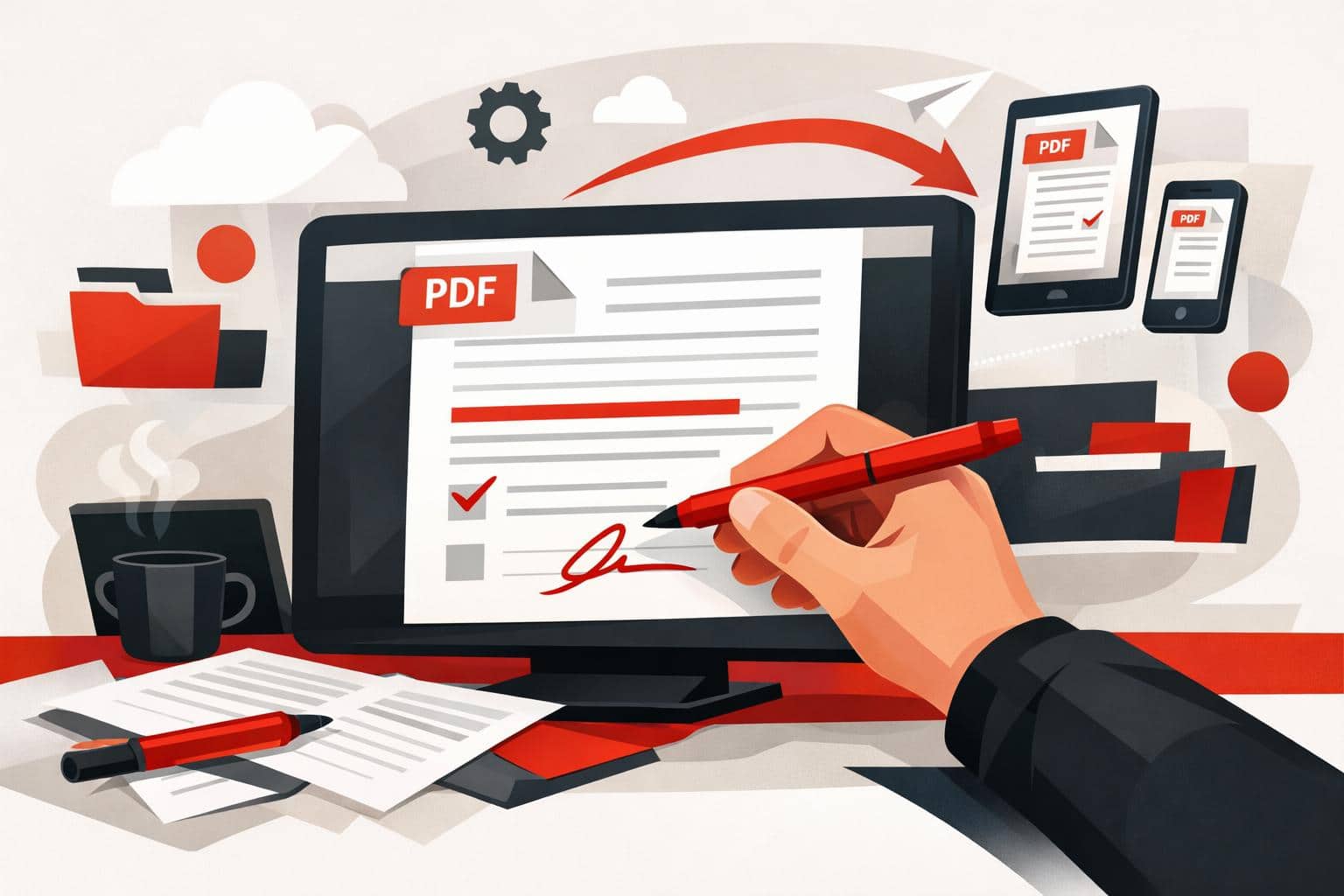
How to Write on PDFs Without Installing Software
The quickest way to write on a PDF is to open it in an online editor, add text, drawings, shapes, comments, or images, then download the updated file. iLovePDF offers this through its PDF Editor, so basic annotation work can happen in the browser without installing desktop software. The fastest…
-
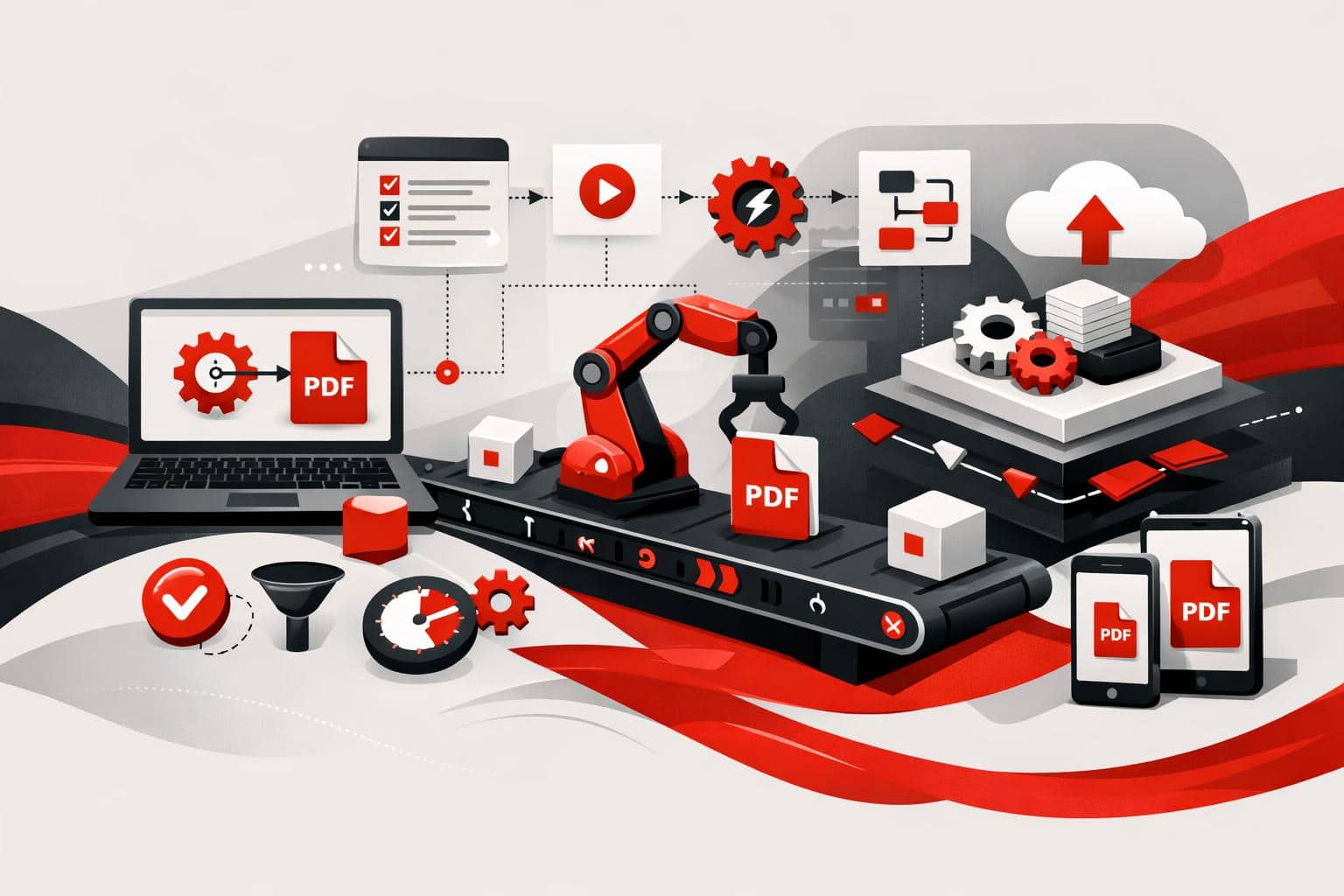
PDF Automation Moves From Clicks to Workflows
iLovePDF is pushing document work beyond manual uploads by offering two automation routes, no-code connectors for teams that want fast workflow wins, and iLoveAPI for developers who need PDF, image, and signature features inside their own software. What changes when documents run themselves No-code automation for everyday file work Odoo…
-
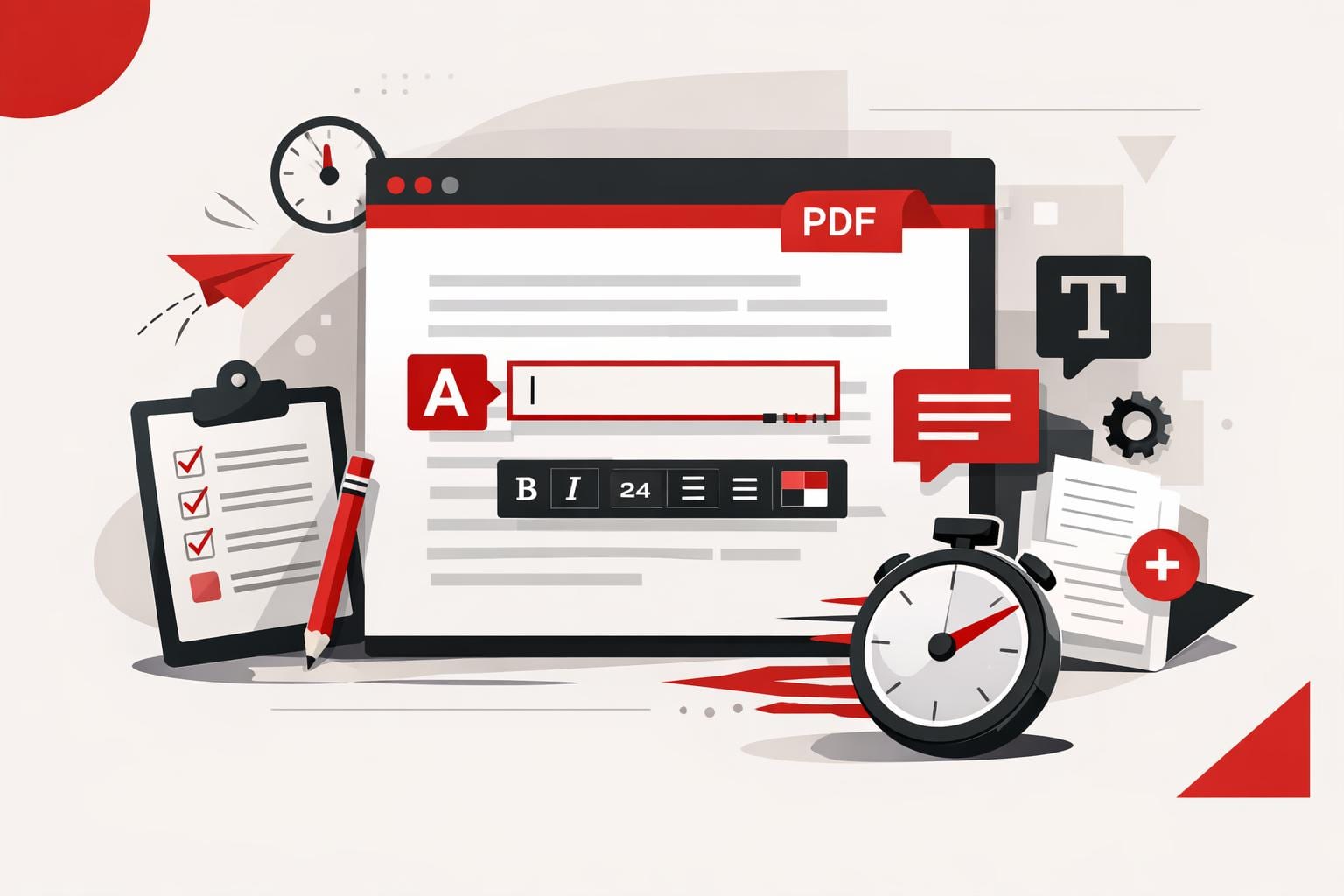
How to Add Text to a PDF Quickly
The fastest way to add text to a PDF is to use an online PDF editor, upload the file, place a text box on the page, adjust the formatting, and export the updated document. This works best for comments, labels, dates, short corrections, and titles, while larger rewrites usually need…
-
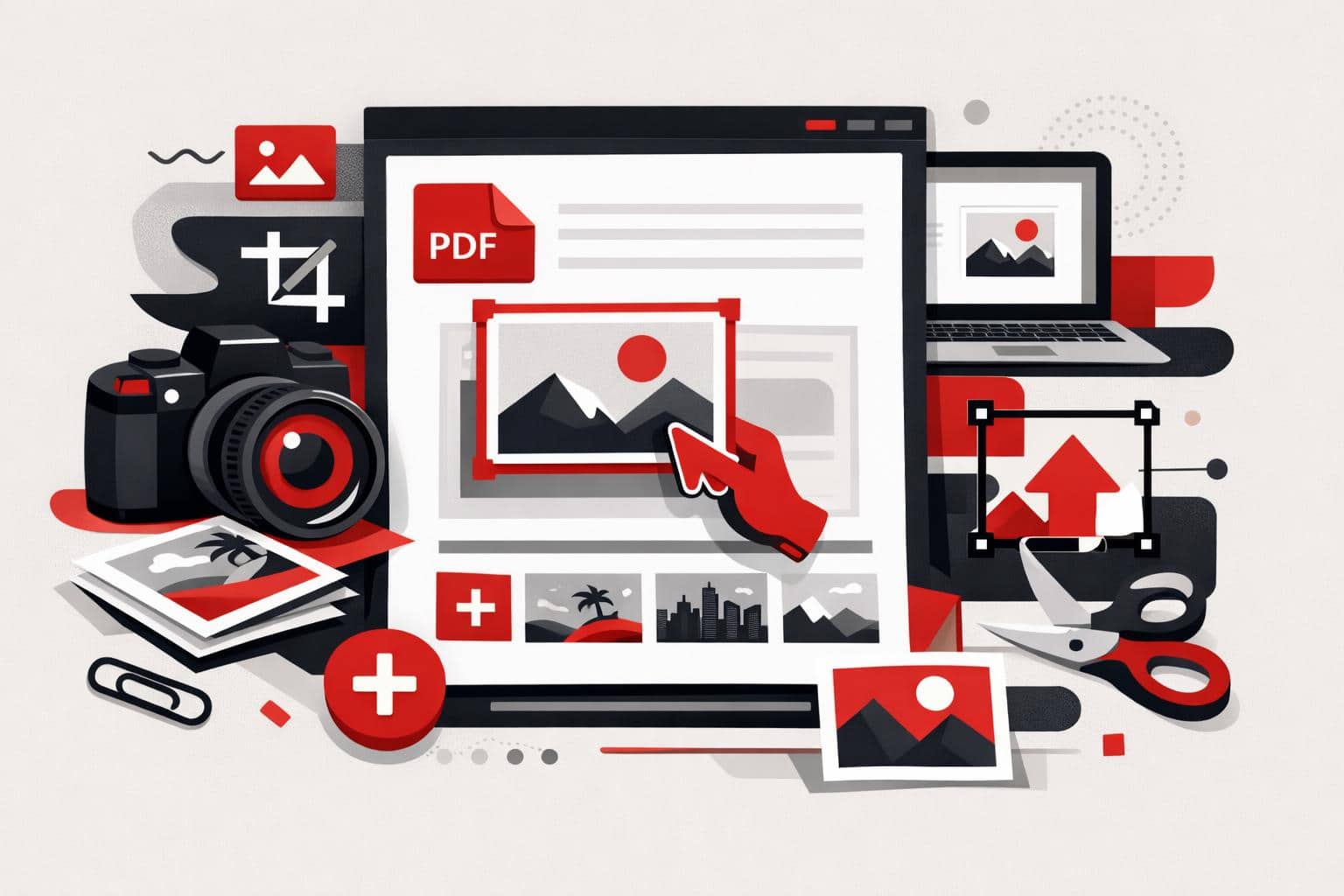
How to Add Images to PDF Files
The fastest way to add a picture to an existing PDF is to use a PDF editor, upload the document, choose an image, place it on the page, then export the updated file. With iLovePDF Edit PDF, this can be done online without printing, scanning, or returning to the original…
-
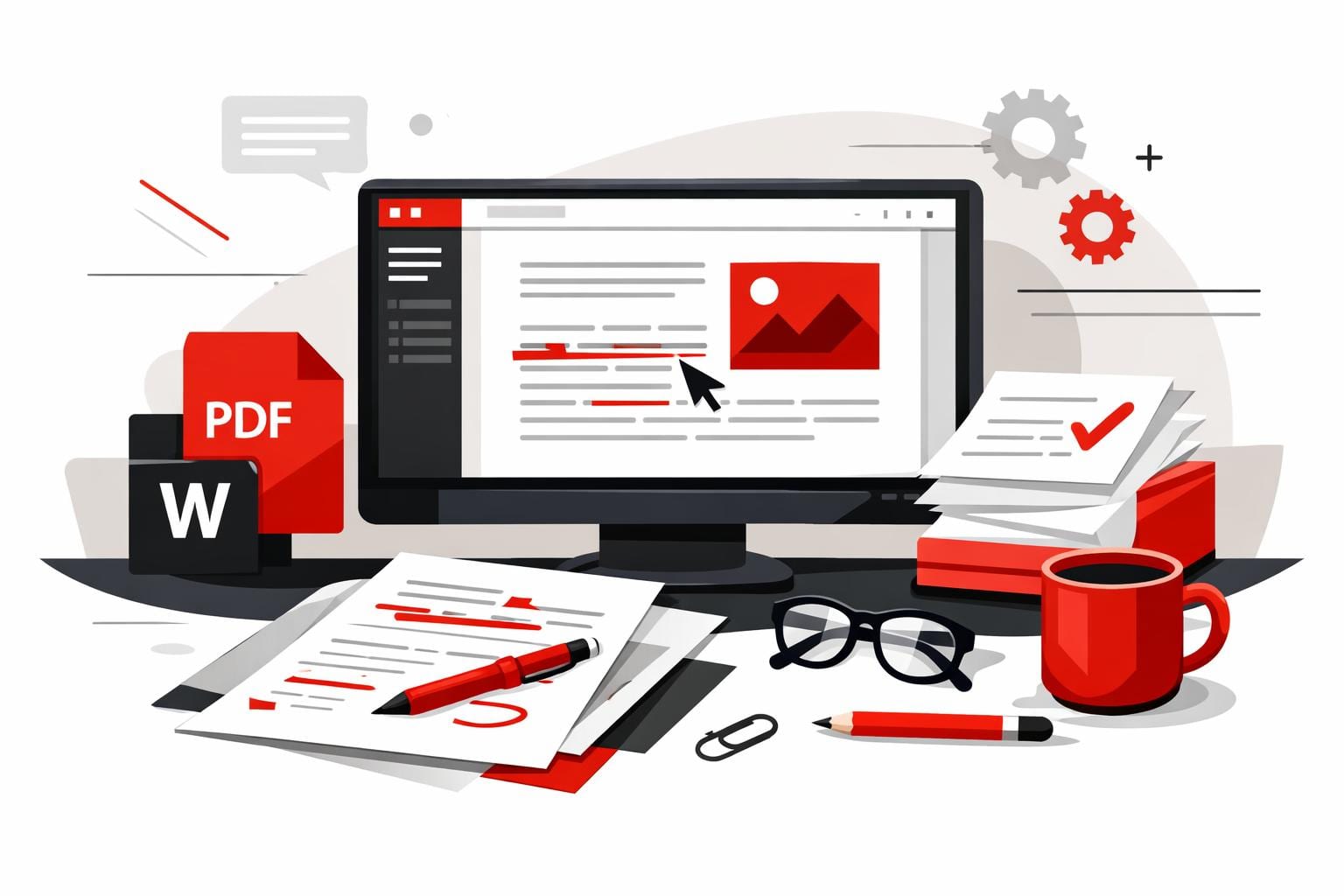
How to Edit PDFs in Word Correctly
The cleanest way to edit a PDF in Word is to convert it into a DOCX file first, preferably with OCR when the PDF contains scanned pages or locked text. Opening a PDF directly in Word can work for simple files, while a PDF editor is better for small text…
-
How to Edit PDFs Without Adobe Acrobat
Yes, everyday PDF edits can be done without Adobe Acrobat. iLovePDF handles browser-based text updates, signing, compression, conversion, and page management, making it a practical fit when a full Acrobat workflow is more than the job needs. Why iLovePDF Fits Everyday PDF Work What You Can Change in a PDF…
-
iLovePDF Makes Direct PDF Text Editing Practical
iLovePDF now lets users edit existing text inside a PDF online, so a typo, price, date, or name can be changed without converting the file first. The feature is best suited to targeted document updates where preserving the original layout matters more than rebuilding the file from scratch. What changed…
-
Legal Teams Need Better Rules for Document Tools
Legal teams should not approve a document tool because it is popular, cheap, or already in use. Approval becomes defensible only when counsel can show what happens to files, who controls access, how long data remains available, and why the tool is reasonable for the legal risk involved. Shadow IT…
-
Why Businesses Are Bringing PDF Work Offline
Businesses are adding offline PDF workflows because local processing gives teams control when files are sensitive, networks fail, or internal policy blocks cloud uploads. The strongest setup is not offline versus online, it is a mixed document workflow where desktop, web, and mobile tools each handle the files they are…
-
iLovePDF Desktop Now Merges Any File Type
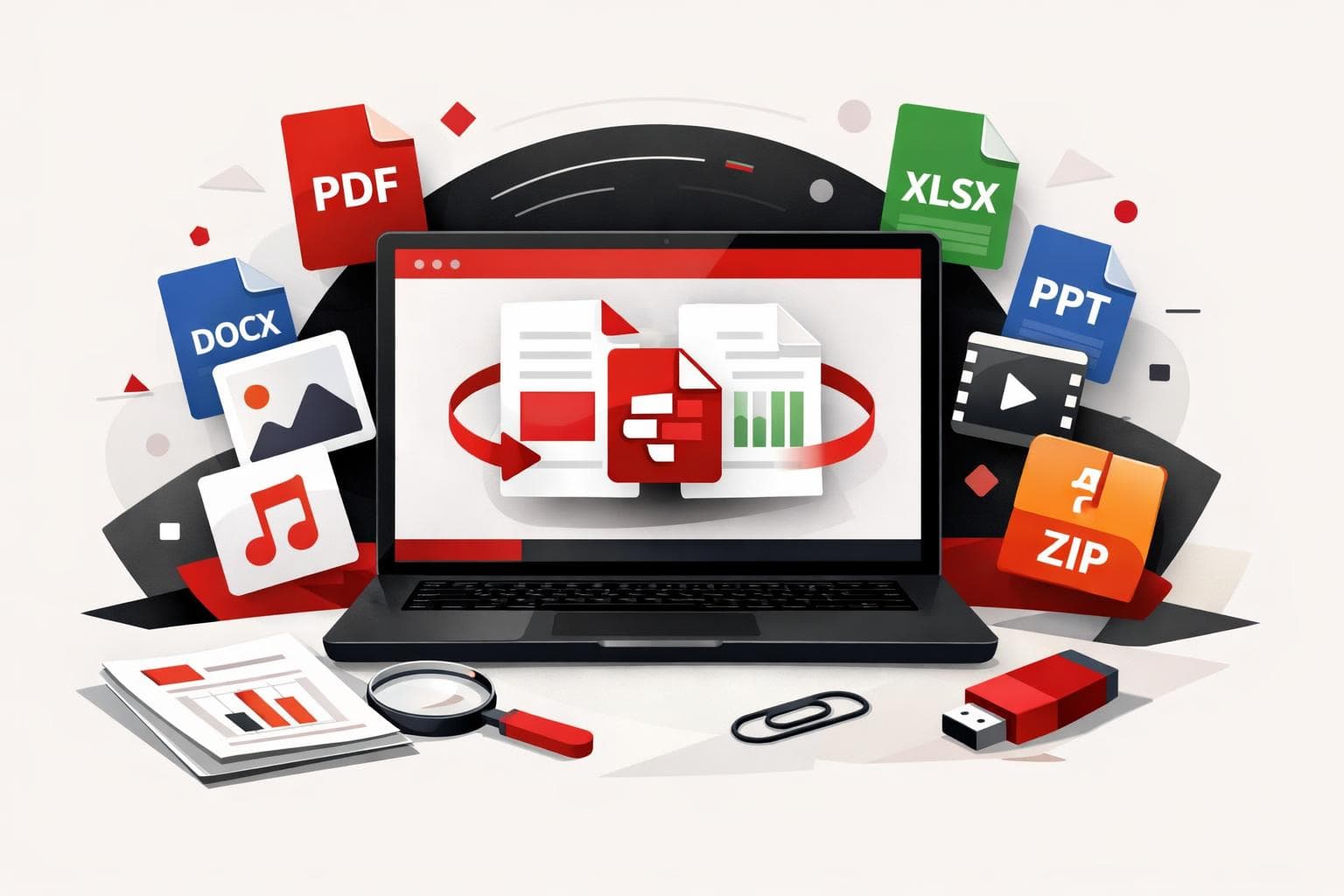
iLovePDF Desktop can now combine Word, Excel, PowerPoint, images, and PDFs into a single PDF in one run, because the app converts non-PDF files automatically during the merge. The change, announced on May 15, 2026, targets everyday mixed-file bundles where manual pre-conversion used to waste time and create version mistakes.…
-

How iLovePDF Uses AI to Split PDFs
iLovePDF’s Smart range mode turns PDF splitting into a content decision instead of a page math exercise, it detects natural document boundaries and outputs separate files that match the intent. It lives inside the Split PDF tool under Range mode as Smart, and it is designed for everything from a…
-
Why Businesses Need PDF to Word Conversion
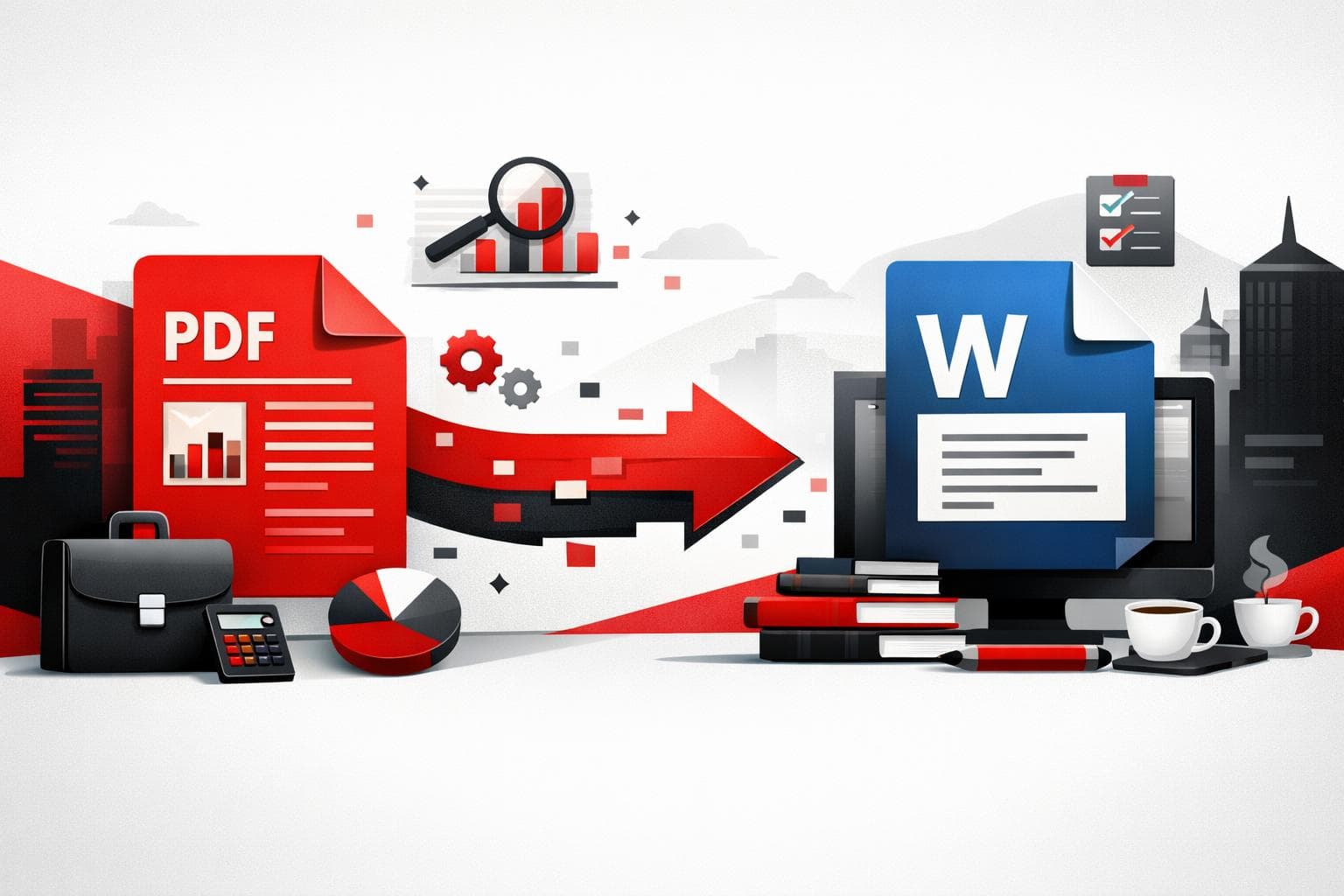
A PDF to Word converter matters because it turns finished, locked documents into files teams can edit, review, reuse, and approve without rebuilding them. For businesses that handle contracts, reports, proposals, policies, or scanned records, conversion reduces document friction at the exact point where work usually slows down. Why the…
-
Edit PDFs Online Without Rebuilding Your Document
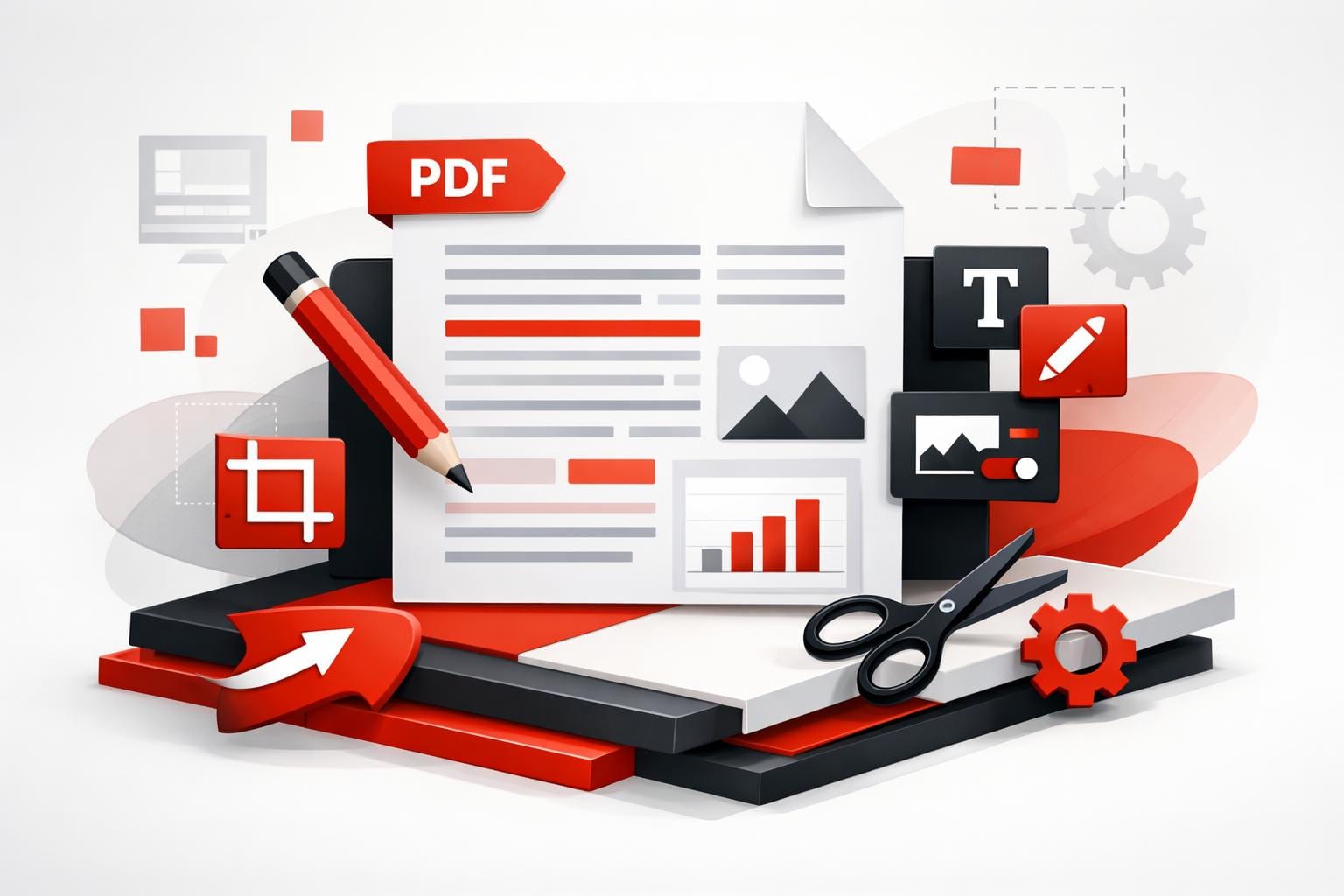
To edit a PDF quickly without converting it back to Word, use a browser editor such as iLovePDF’s Edit PDF tool, upload the file, make changes on the page, then download the updated PDF. According to iLovePDF, files are encrypted and automatically deleted within two hours, with an option to…
-
Make a PDF Fast Without Losing Layout
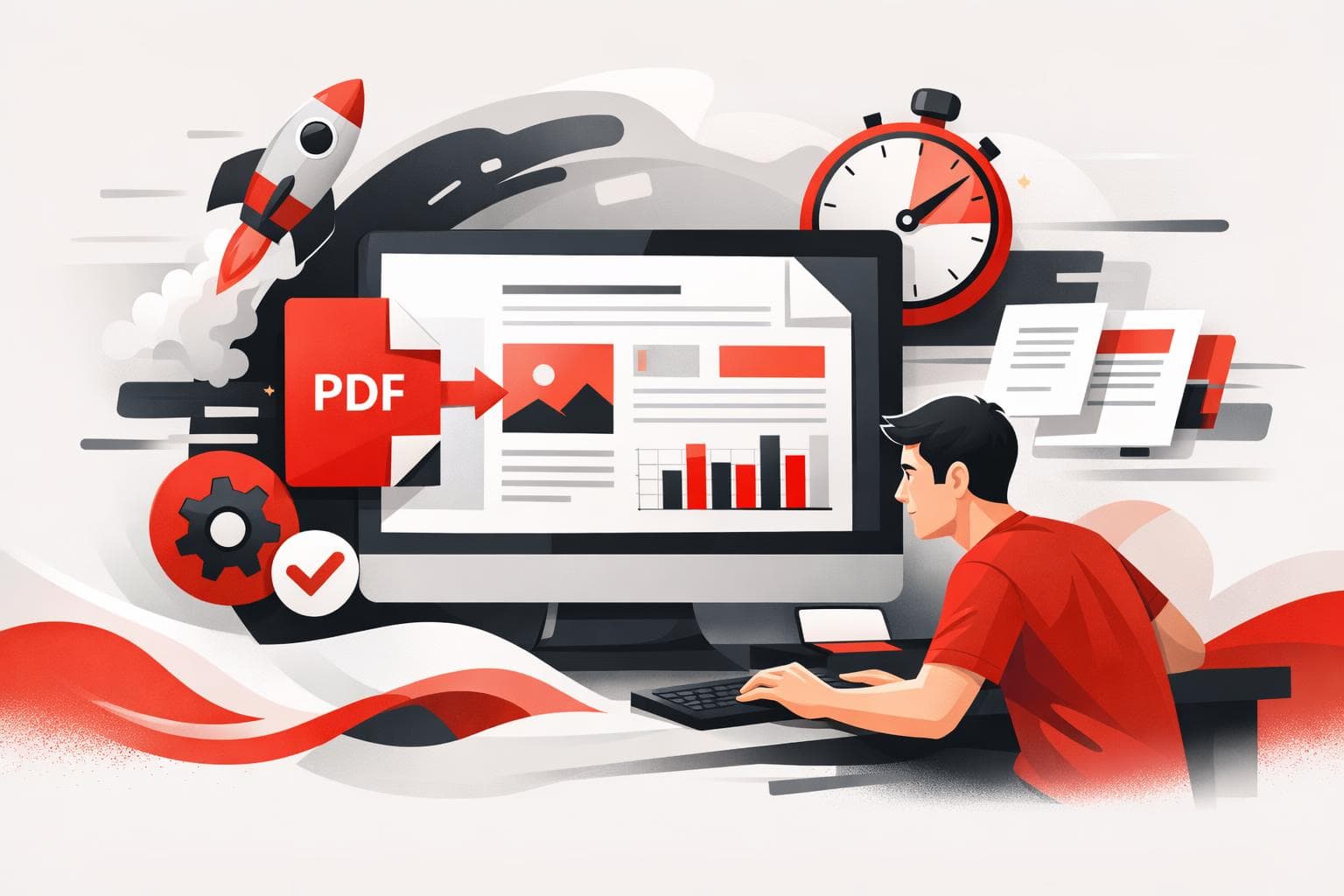
Making a PDF usually comes down to three options, convert a file you already have, build a new document from a template or blank page, or automate PDF generation for repeat work. The fastest path for most people is conversion, because it preserves layout without rebuilding the document. Automation only…
-
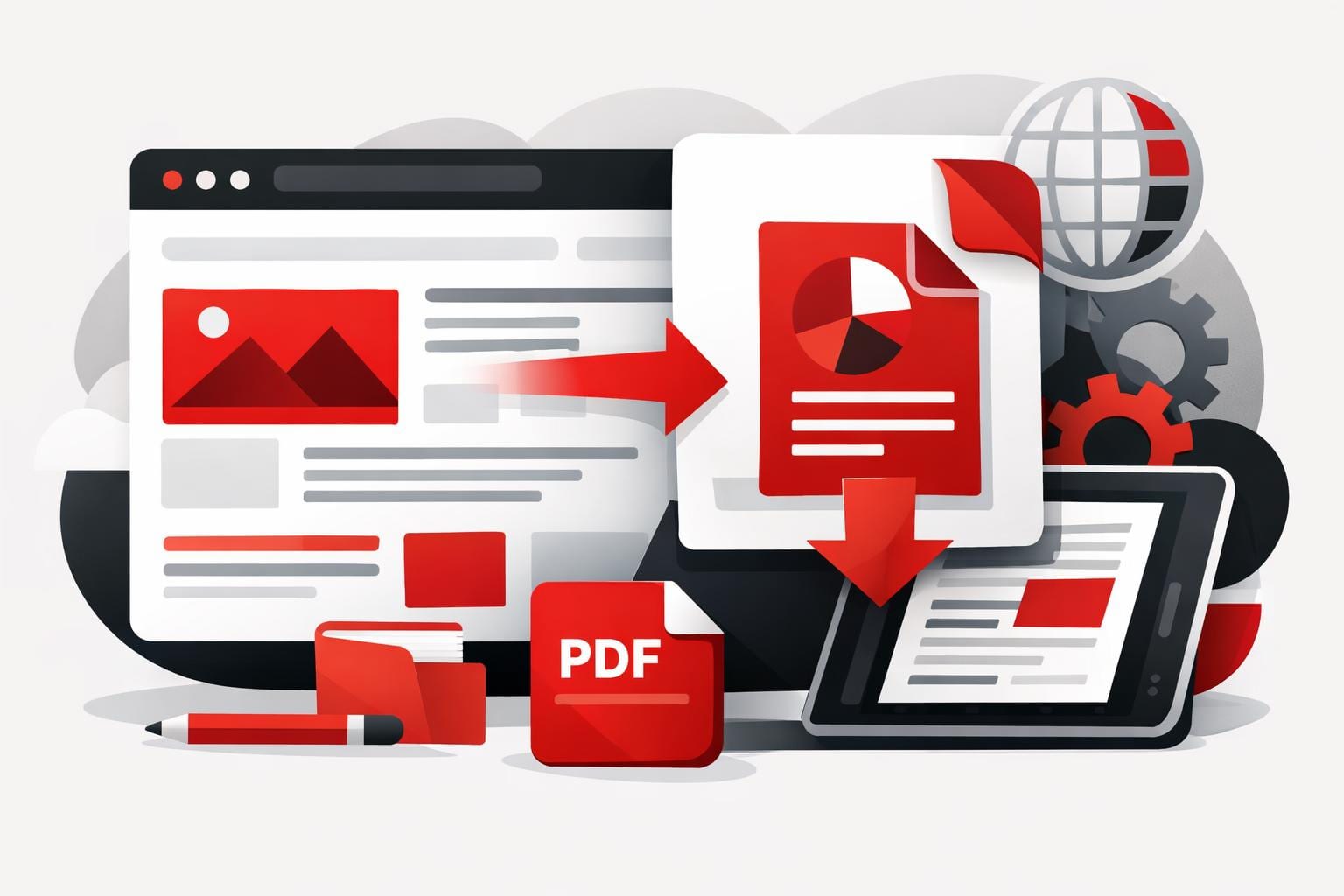
How to Save a Website as PDF
To share a web page as a stable, markable document, converting it to PDF is the fastest way to lock in the layout, keep it readable offline, and make annotations practical. Tools like iLovePDF’s HTML to PDF converter are built for capturing a full scrollable page in one export, instead…
-
PDF Tools That Keep Business Work Moving
PDF workflows get complicated when contracts, invoices, and HR records bounce between departments that use different tools and inconsistent security habits. The fastest fix is a single PDF toolkit that covers the daily basics, works on every device, and can switch to offline processing when policy demands it. iLovePDF is…
-
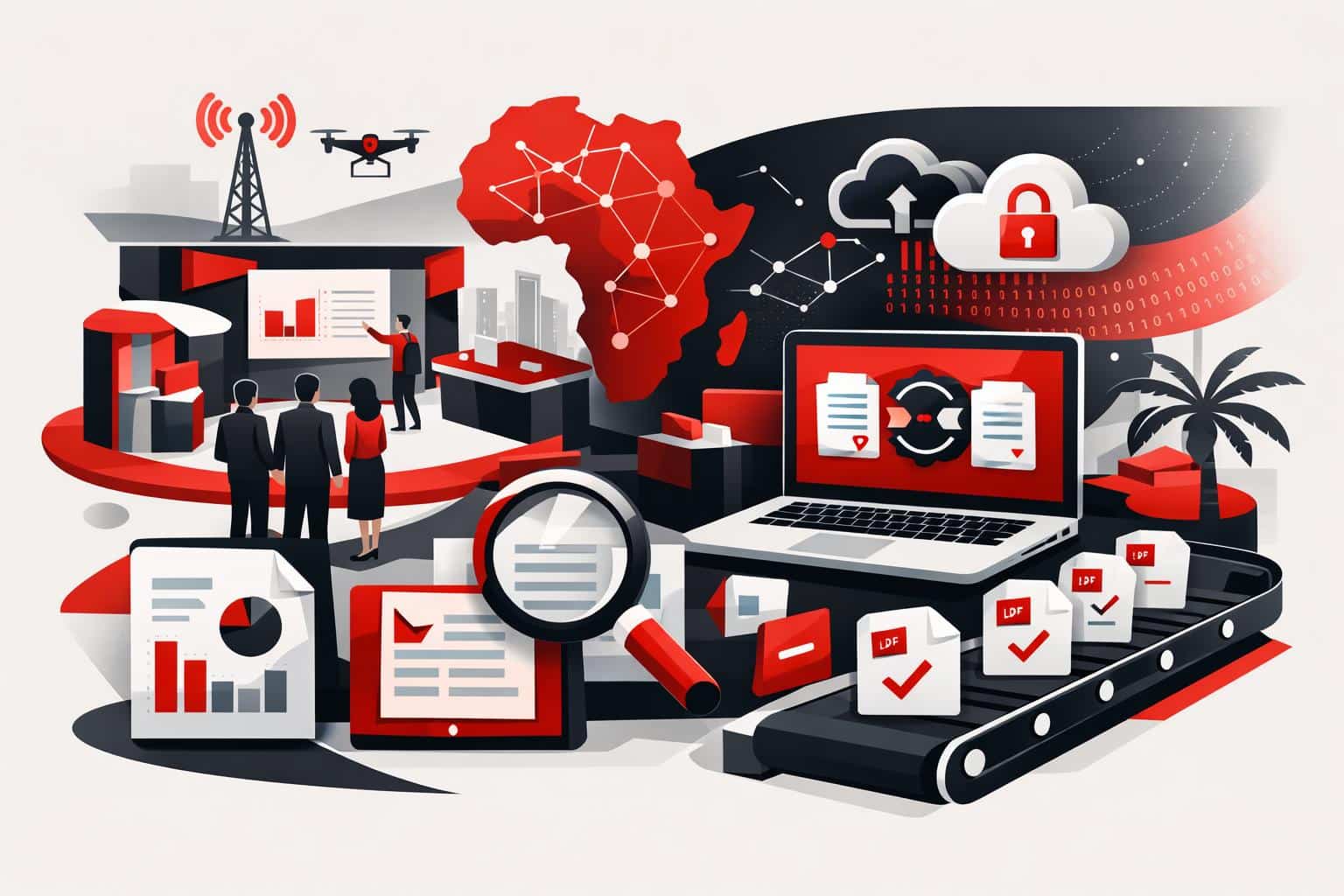
What GITEX Africa Revealed About PDF Workflows
At GITEX Africa 2026, the strongest signal was not a new feature, it was a shift in expectations: PDF work is being treated as an automated, integrated, security reviewed workflow, not a one off file fix. The conversations described in iLovePDF’s April 17, 2026 event recap centered on three buying…
-
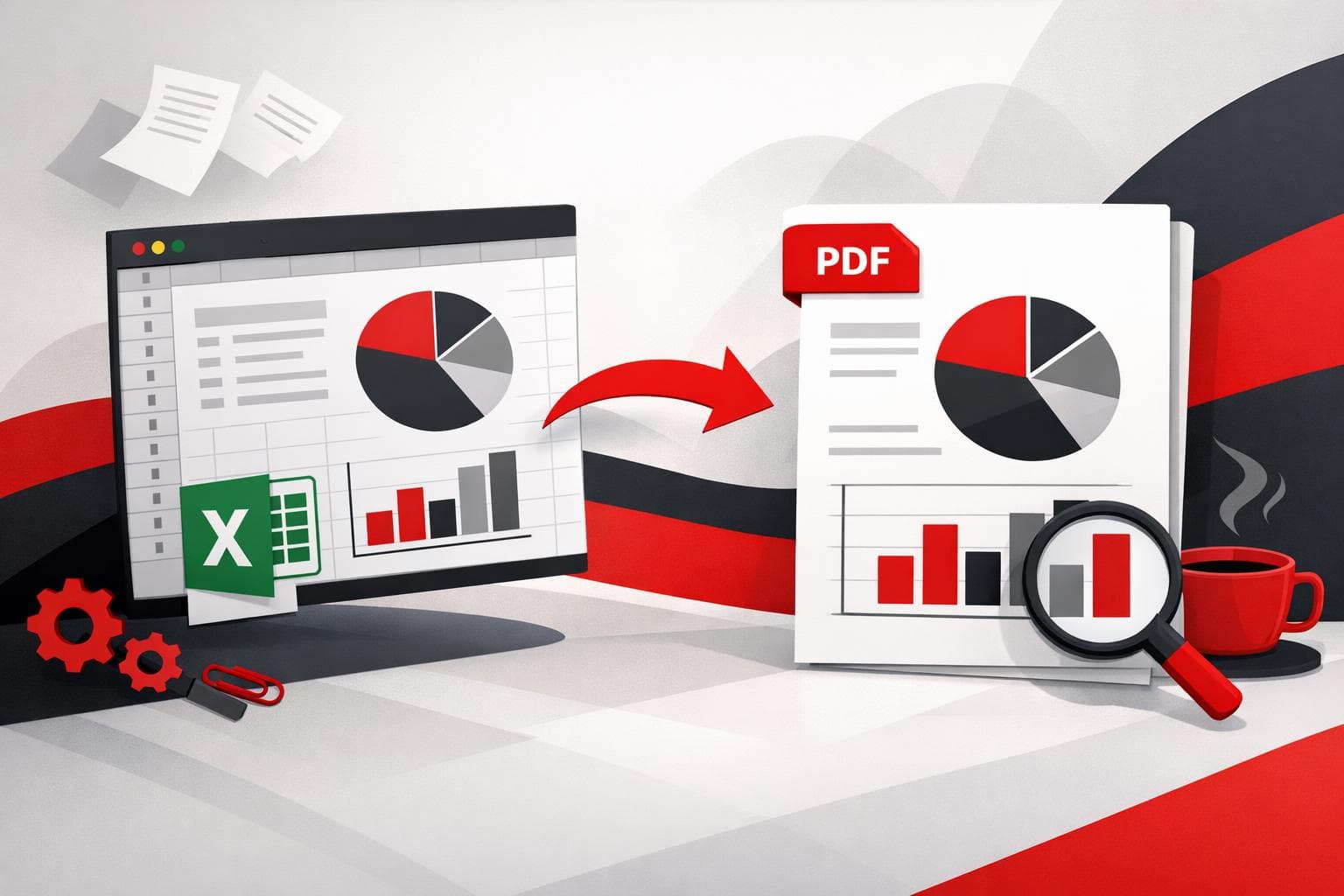
Save Excel as PDF Without Layout Surprises
To save an Excel spreadsheet as a PDF, use Excel’s built in Save As or Export option for the cleanest, most predictable output. When the job involves many files, or a single combined PDF, a batch converter and merger like the tools on iLovePDF can cut the clicks dramatically. Pick…
-
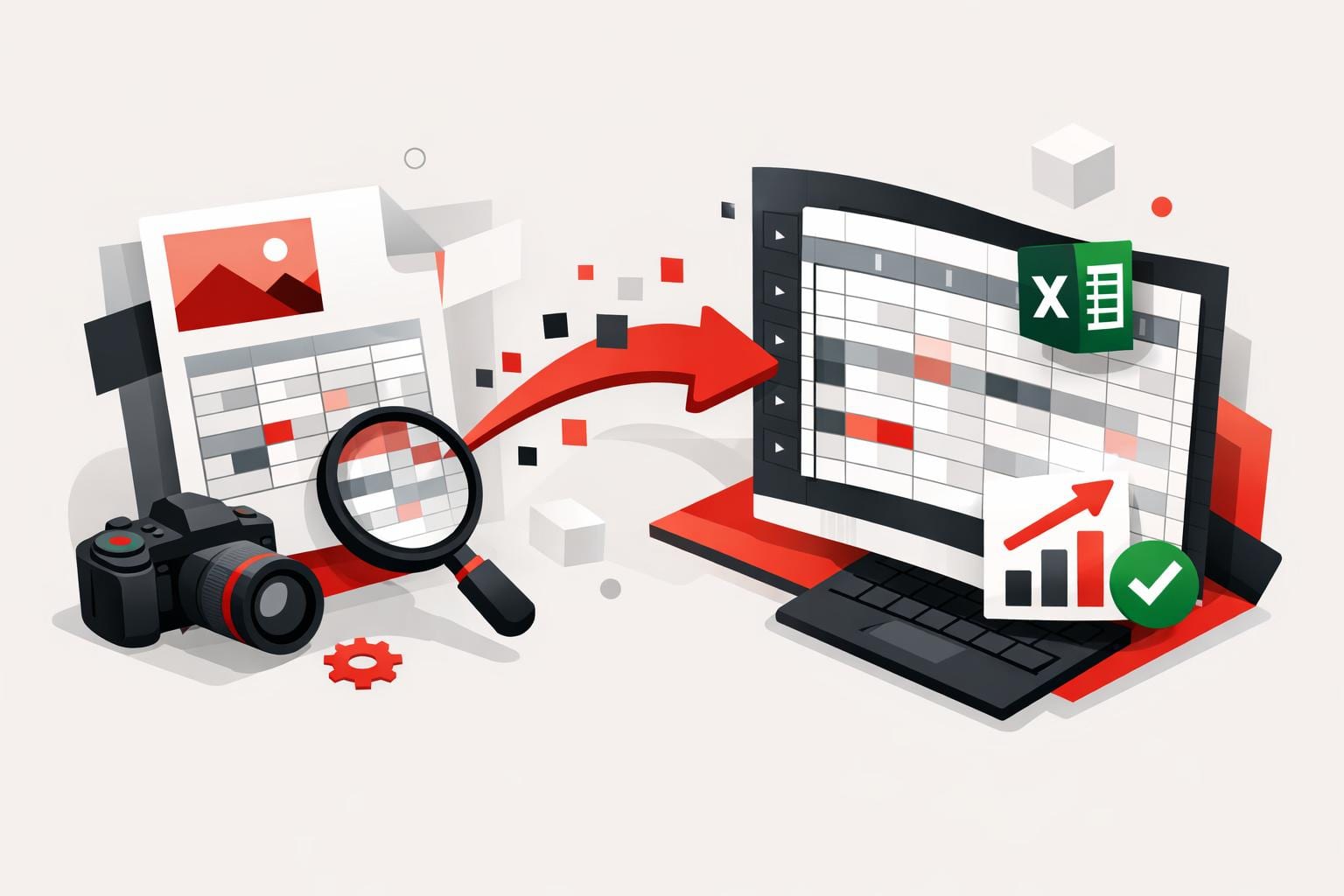
Turn JPG Tables Into Excel Without Retyping
A JPG image can be turned into an editable Excel sheet by converting the image to a PDF first, then converting that PDF to Excel with OCR enabled when the content is scanned or photographed. This workflow is designed to preserve table structure and reduce copy and paste cleanup across…
-
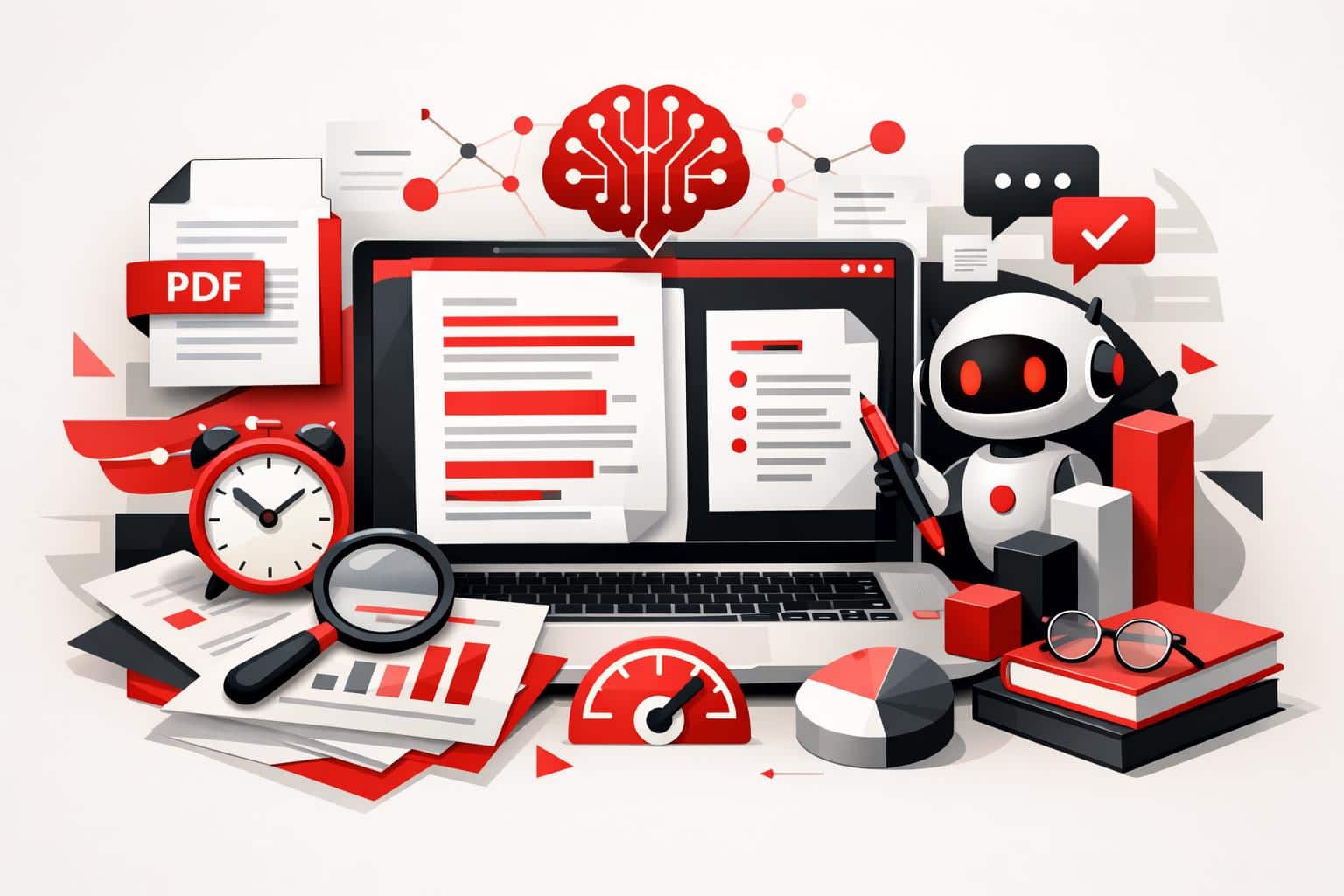
Summarize PDFs Faster With iLovePDF AI Tool
iLovePDF’s AI Summarizer turns long PDFs into a short, readable brief in minutes, with controls for summary length and processing depth. It is built for the real situation where reading every page is possible, but rarely the best use of time. The hidden cost of reading everything A reliable five…
-
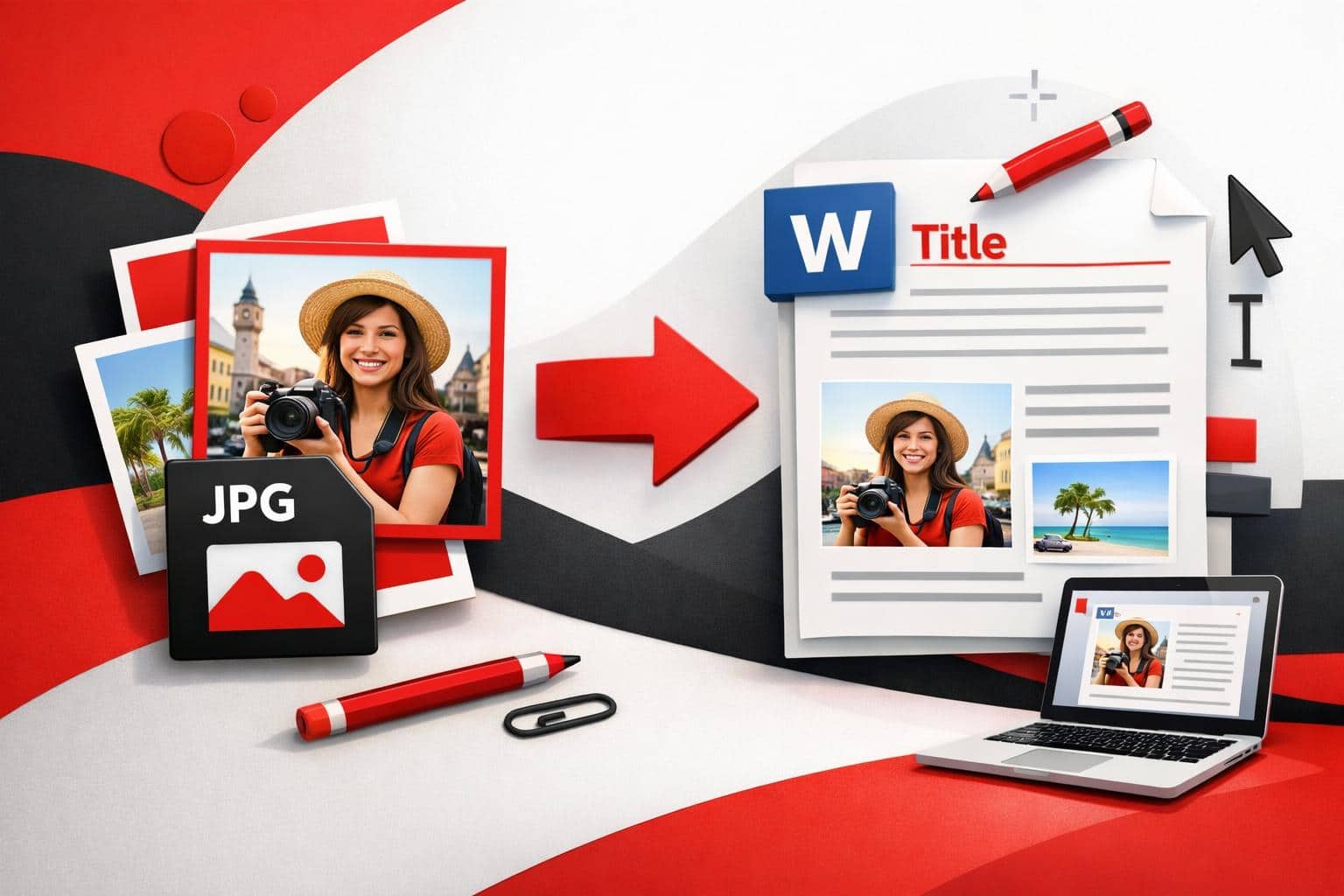
Turn JPG Photos Into Editable Word Files
To turn a JPG into an editable Word document with iLovePDF, the most reliable workflow is a two-step conversion: first convert the image to PDF, then convert that PDF to Word, enabling OCR when the text comes from a scan or photo. The OCR option is what transforms “pixels of…
-
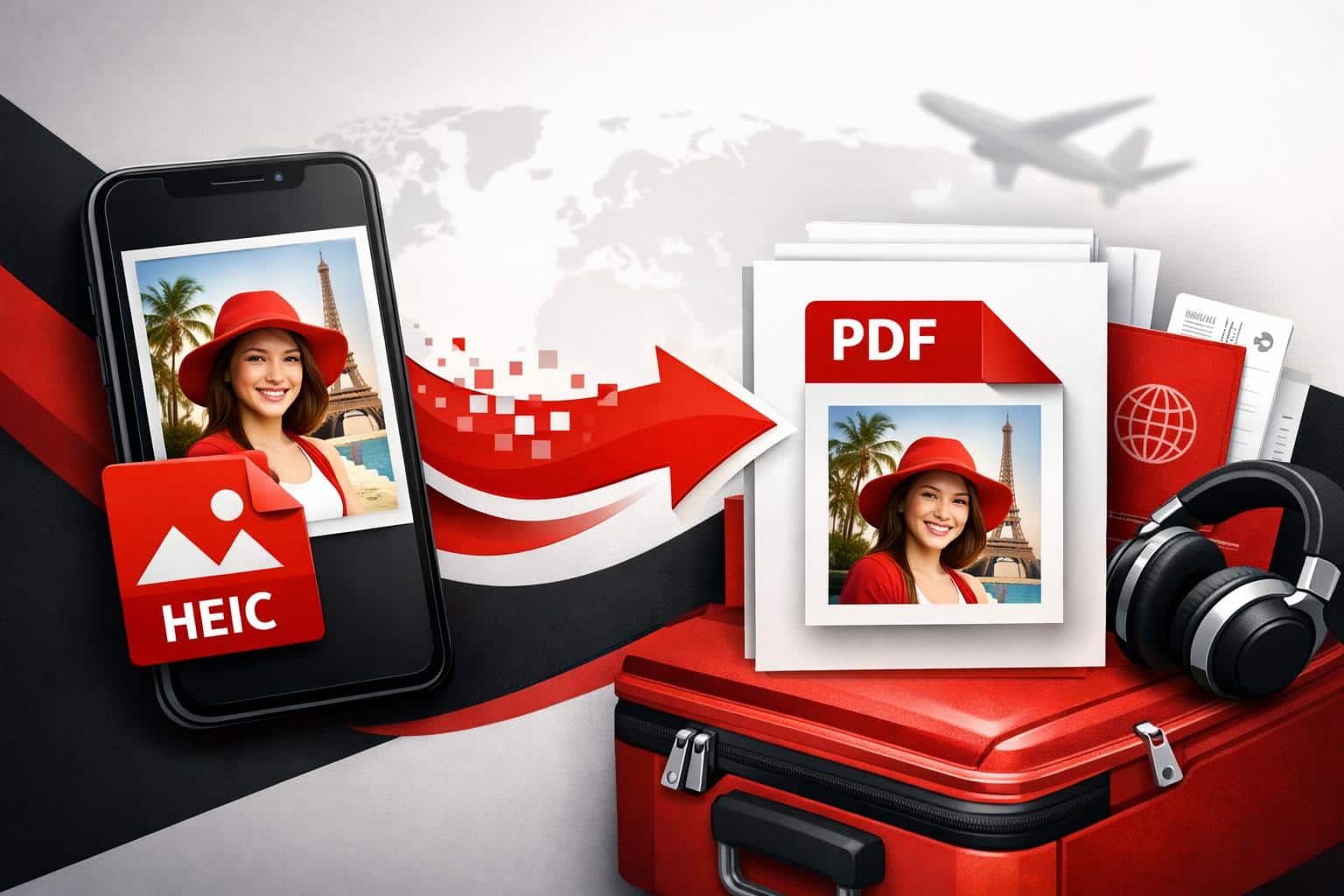
Convert HEIC Photos to PDFs That Travel Well
To convert HEIC into a PDF that opens reliably on almost any device, use Preview on a Mac, use Microsoft Print to PDF on Windows once HEIC support is enabled, or use a browser based batch workflow when there are many photos. The fastest option depends on one thing, whether…
-
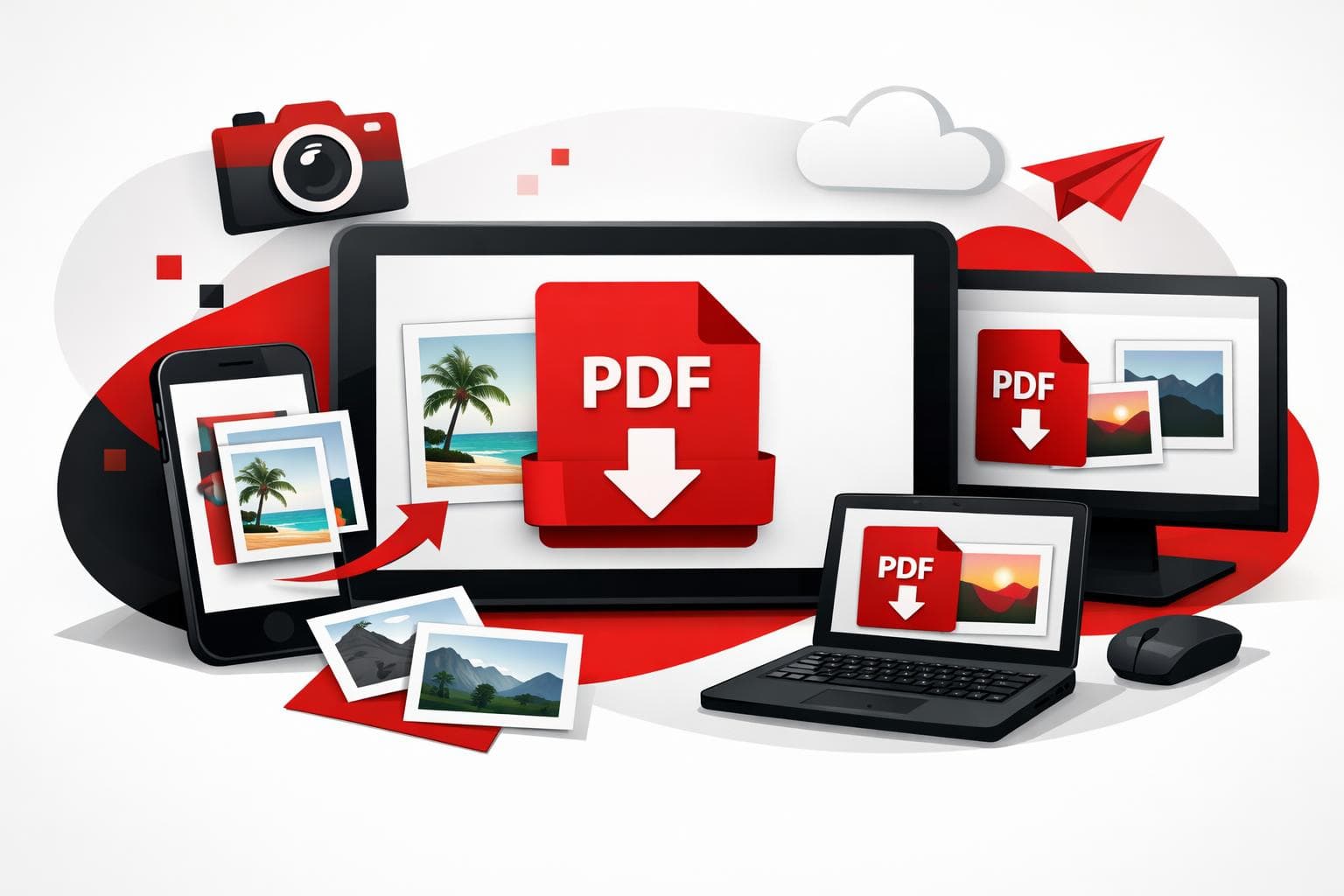
Convert Photos to PDF on Any Device
To turn one photo, or a whole batch, into a shareable PDF, pick a path based on where the images live: browser for speed, phone for capture, desktop for offline control. iLovePDF offers a web converter, mobile apps, and a desktop app that all produce the same outcome, a PDF…
-
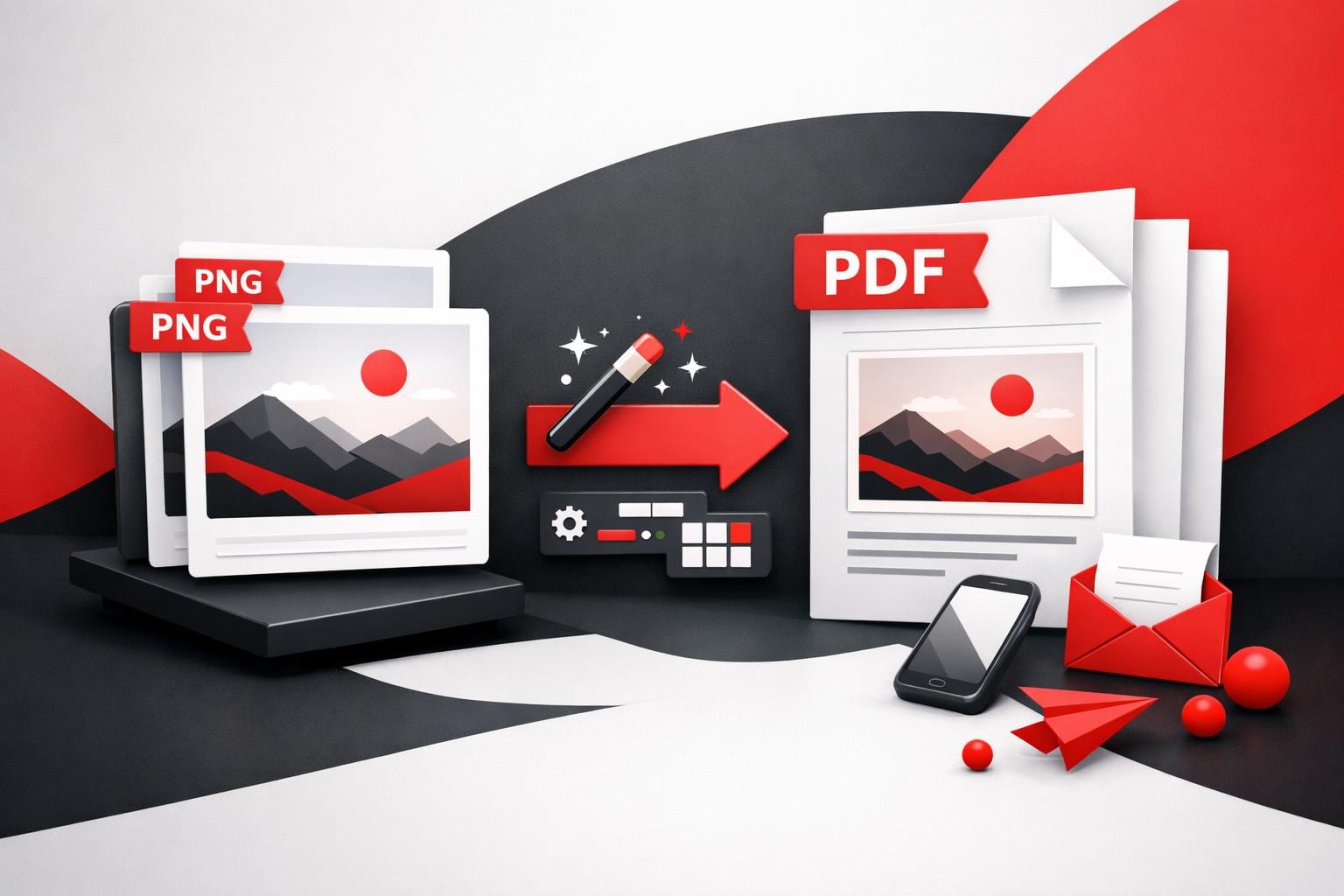
Convert PNG Images to PDF for Easy Sharing
To convert a PNG to a PDF online, upload the image to an image to PDF converter, choose page size and layout settings, then export the PDF. The main payoff is simpler sharing and printing, plus the option to apply PDF security controls when the file contains sensitive content. What…
-
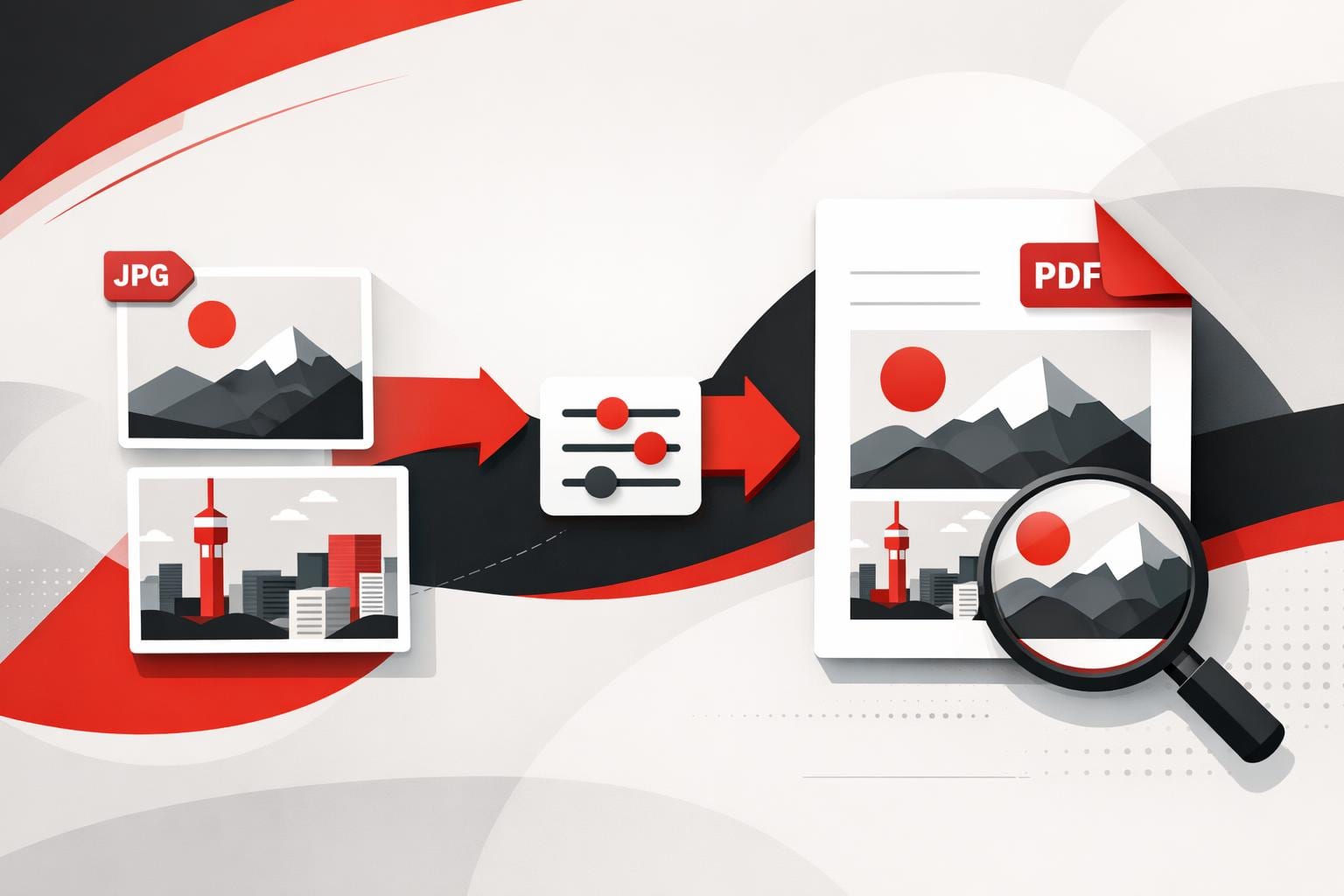
Converting JPG to PDF Without Losing Quality
To convert a JPG into a clean, shareable PDF, the fastest path is an online converter that turns each image into a PDF page and optionally merges multiple photos into one file. PDF is usually the right output when the file must print predictably, look identical on any device, or…
-
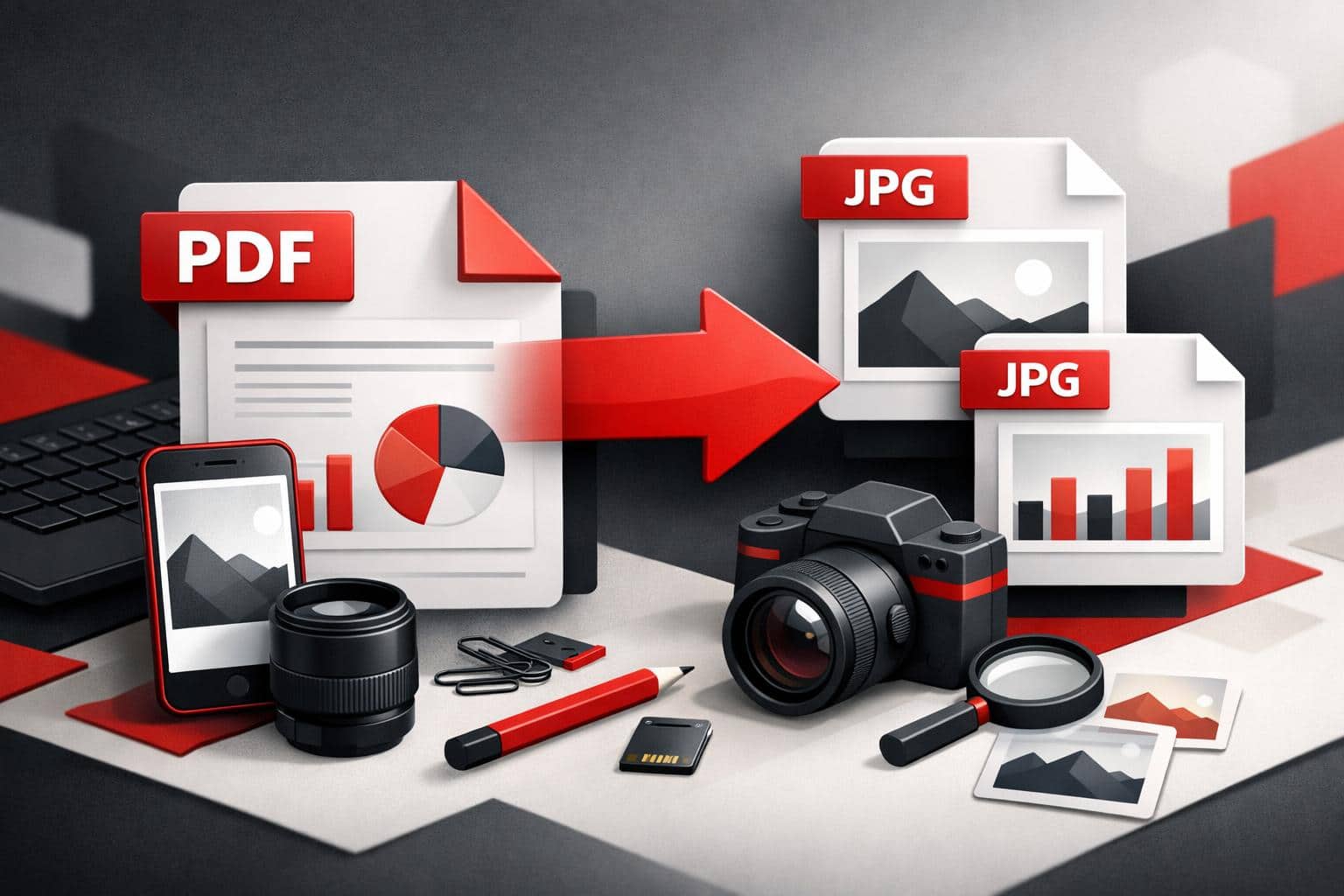
Convert PDF Pages to JPG Without Hassle
To turn a PDF into JPG images quickly, use the iLovePDF PDF to JPG tool and choose the output that matches the goal, full page images or extracted embedded pictures. The key decision is simple, convert pages when layout matters, extract images when individual assets matter. Pick the output that…
-
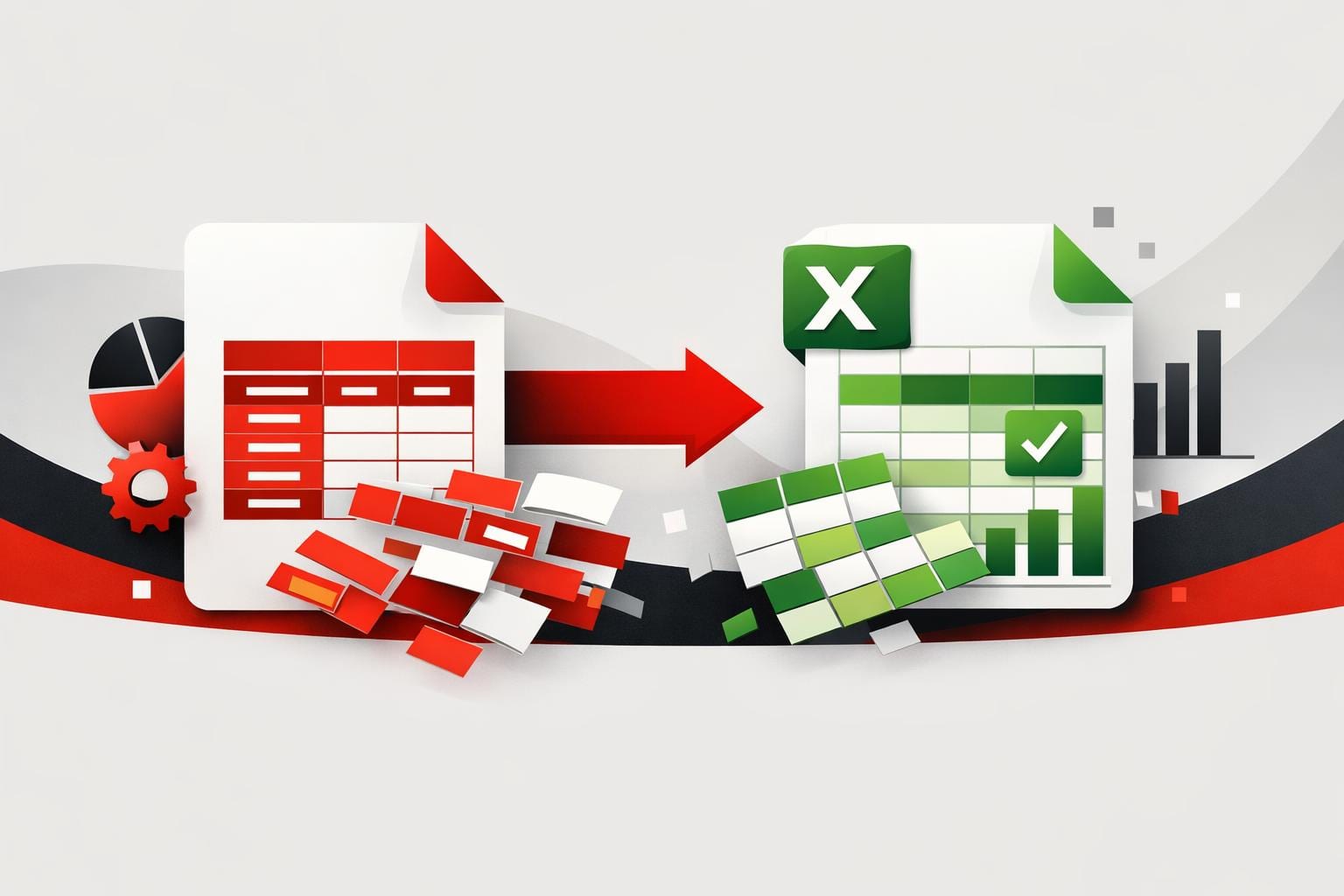
Convert PDF Tables to Excel Without Cleanup
To convert PDF tables into usable Excel data, pick a tool that preserves table structure, then enable OCR only when the PDF is a scan. With the right workflow, the output becomes editable rows and columns instead of a grid that collapses into random cells. What actually breaks during conversion…
-
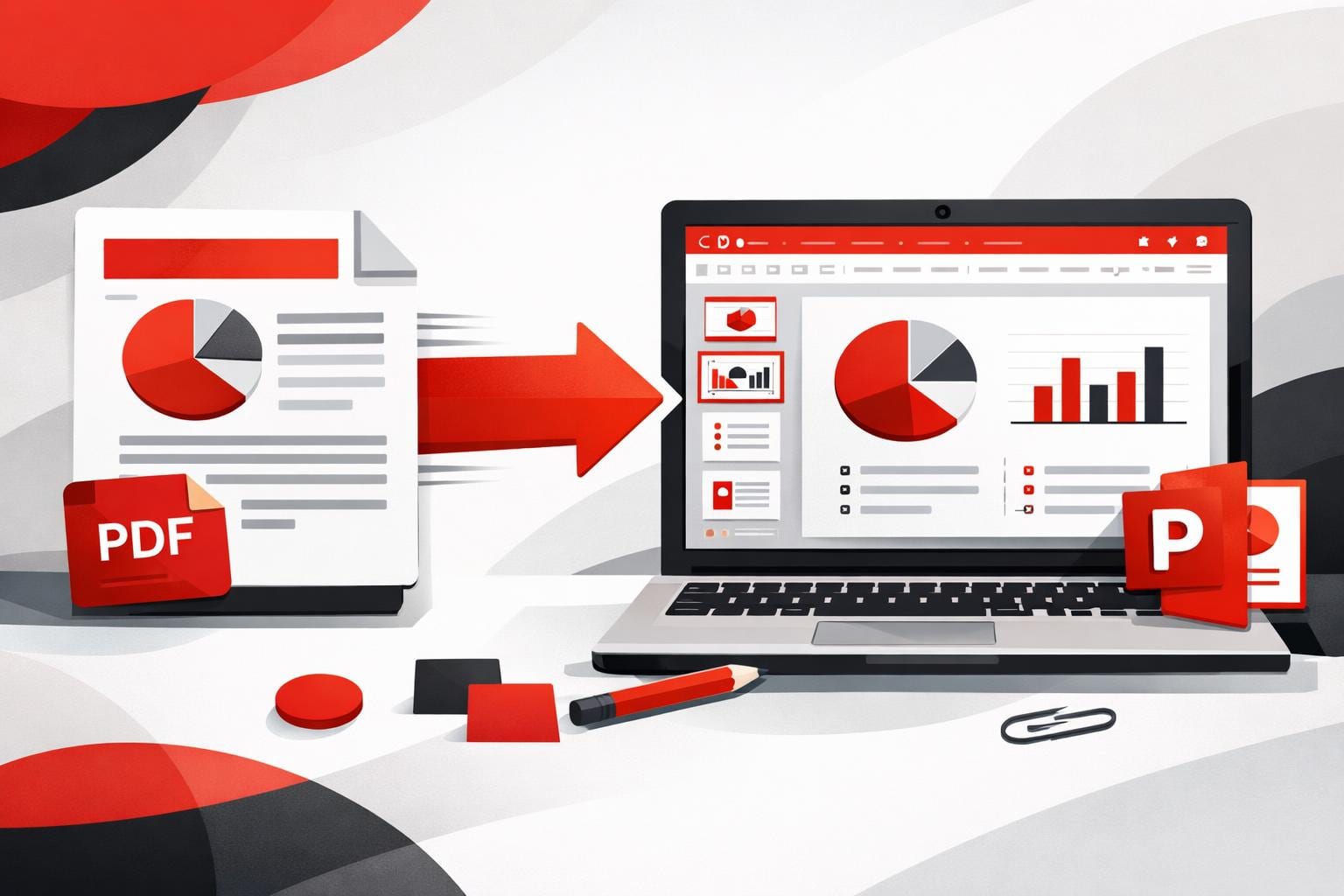
Convert PDFs Into Editable PowerPoint Slides Fast
To convert a PDF into an editable PowerPoint deck, upload the file to a PDF to PPTX converter, download the PPTX, then refine it in PowerPoint. This approach pays off when the PDF already resembles slides, because it turns static pages into reusable layouts instead of forcing a rebuild from…
-
Why iLovePDF Shows Page Not Found Messages
This iLovePDF screen combines a basic “page not found” error with a cookie consent prompt. In plain terms, the link being opened does not resolve to a real page, and the site is asking permission to use personal data from the device for advertising, measurement, and product research, with controls…
-
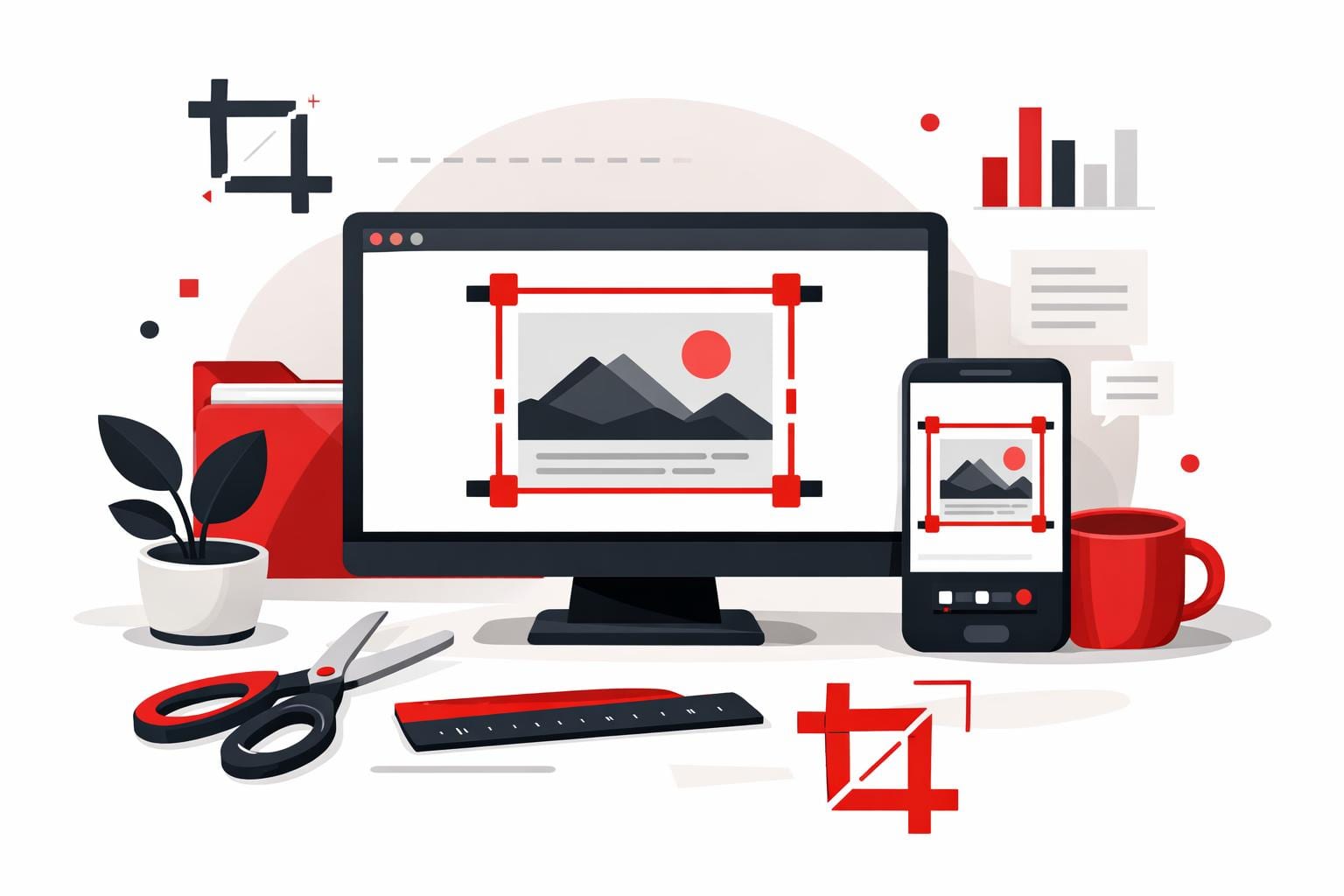
How to Crop PDFs Online Without Cutting Content
Cropping a PDF is the fastest way to remove oversized margins, scanner borders, and uneven framing so a document reads and prints cleanly. With the company’s Crop PDF tool, the job typically takes a minute, drag a box, choose whether to apply it to one page or all pages, then…
-
Regional PDF Processing Puts Data Location First
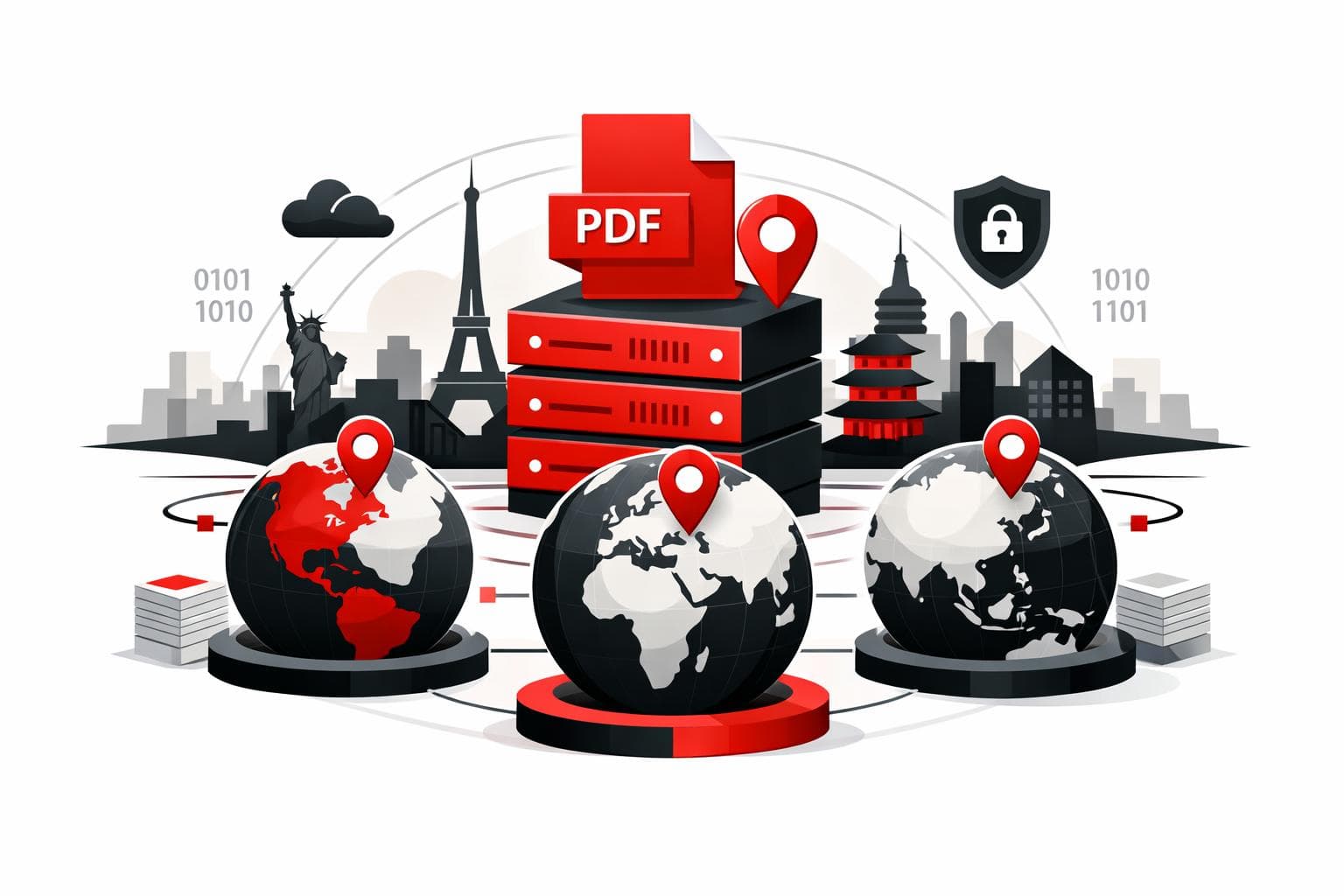
iLovePDF’s Regional File Processing adds a practical control knob, choosing the country or region where PDF jobs run, instead of leaving routing decisions to the vendor. The goal is simpler compliance conversations, faster turnaround for distributed teams, and clearer answers during security reviews. According to iLovePDF, files are automatically deleted…
-
Free Ways to Convert PDF into Word
To turn a PDF into an editable Word file for free, use an online converter for quick changes, or a desktop app when the file should stay on the computer. If the PDF is a scan, OCR is needed to convert the picture of text into real, editable characters, and…
-
Convert PDF Files to Word Without Retyping
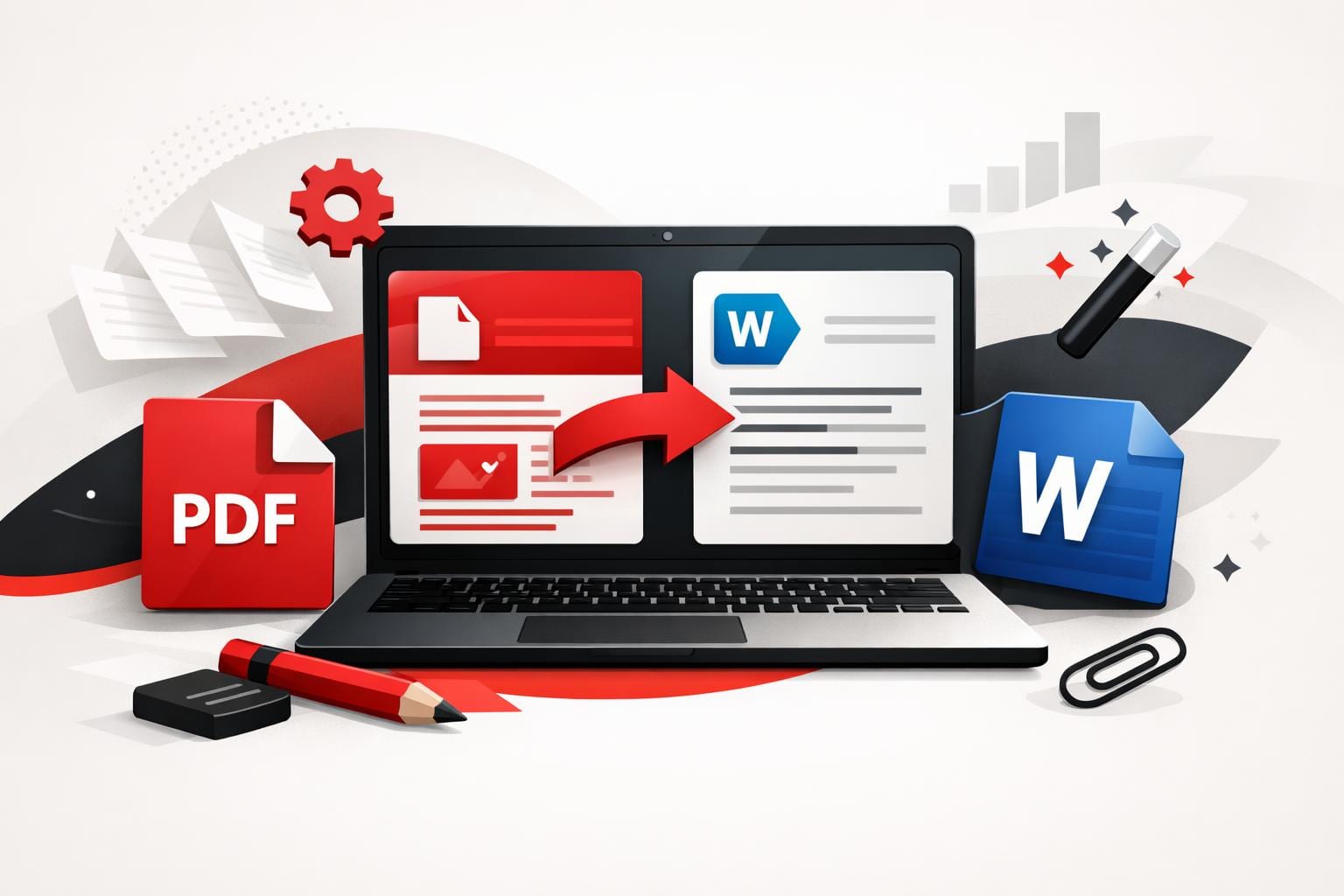
To convert a PDF into an editable Word document, upload it to a converter, choose standard conversion for selectable text or OCR for scanned pages, then download the DOCX and edit it in Word. iLovePDF provides this workflow in the browser, plus desktop and mobile apps when a web tab…
-
Convert PDFs to Office Files Without Losing Layout
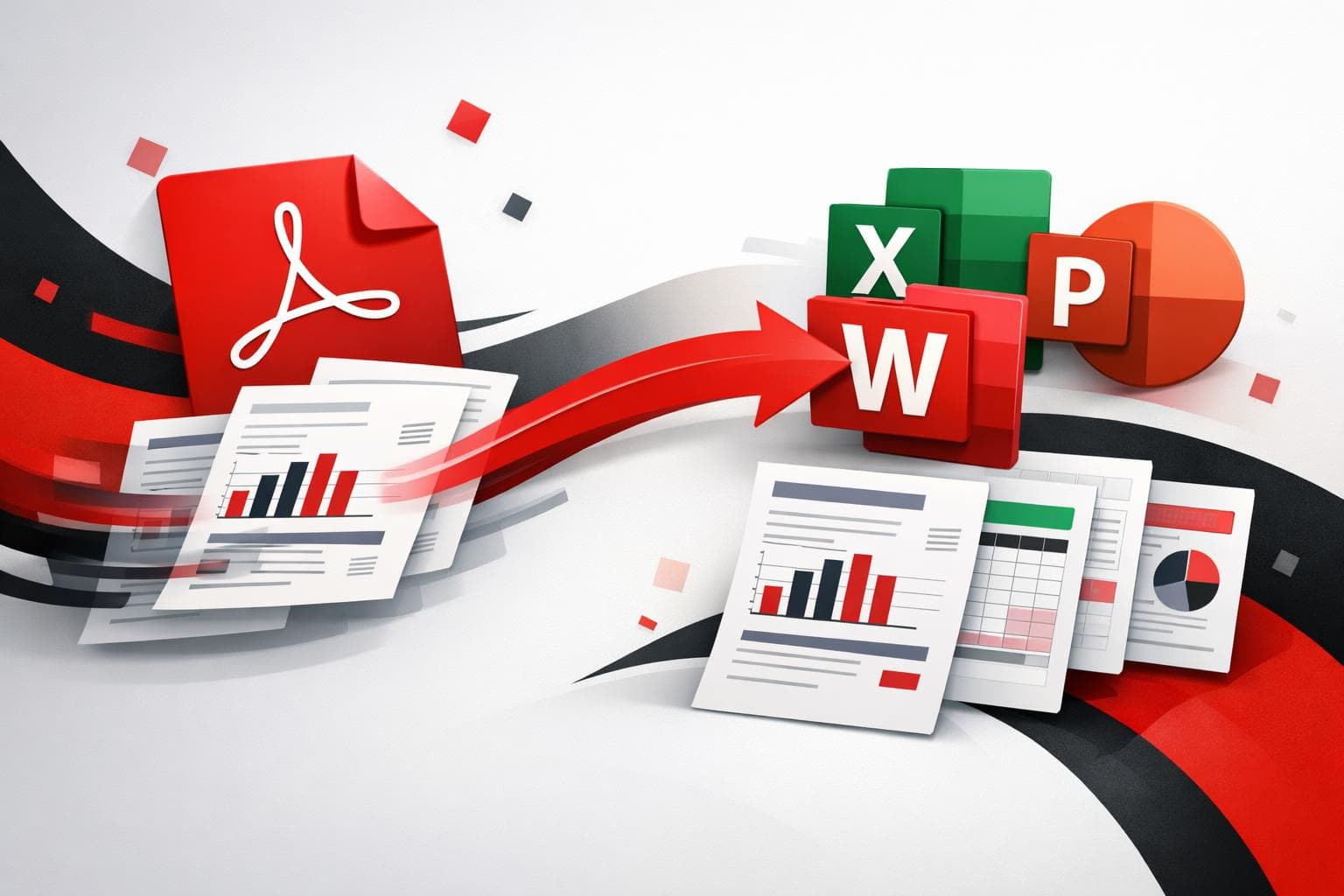
To edit a PDF, the fastest path is usually conversion into an Office file, Word for text edits, Excel for tables, or PowerPoint for slides, then finishing the job in the app that matches the content. iLovePDF provides that conversion in three routes, web, desktop, and mobile, with Premium options…
-
Convert PDFs Cleanly Across Devices
Reliable PDF conversion comes down to one choice, whether the PDF is a final deliverable meant to look identical everywhere, or a source file that needs editing. iLovePDF groups web, mobile, and desktop tools to convert between PDF, Office files, images, web pages, and archival PDF/A, with OCR available when…
-
Office Documents Turn Into PDFs Without Surprises
Converting Word, Excel, and PowerPoint files to PDF is the fastest way to lock in layout, share a document across devices, and reduce “it looks different on my screen” problems. When built in export is unavailable or batch work matters, online converters like iLovePDF can turn Office files into PDFs…
-
PDF Files Explained With Benefits and Smart Use
A PDF is the go to format when a document must look the same everywhere, on any device, in any app, and on paper. It behaves more like a sealed package than a living draft, which is why it dominates contracts, invoices, brochures, and technical drawings. The tradeoff is simple,…
-
Compress PDF Offline Safely on Mac and Windows
To compress a PDF offline, use a desktop compressor that processes the file locally, so size drops without relying on Wi-Fi. A smaller PDF uploads faster, is easier to email, and can reduce friction in shared workflows, especially when traveling or handling sensitive documents. Turn a bulky PDF into a…
-
Translate Any PDF Fast Without Losing Layout
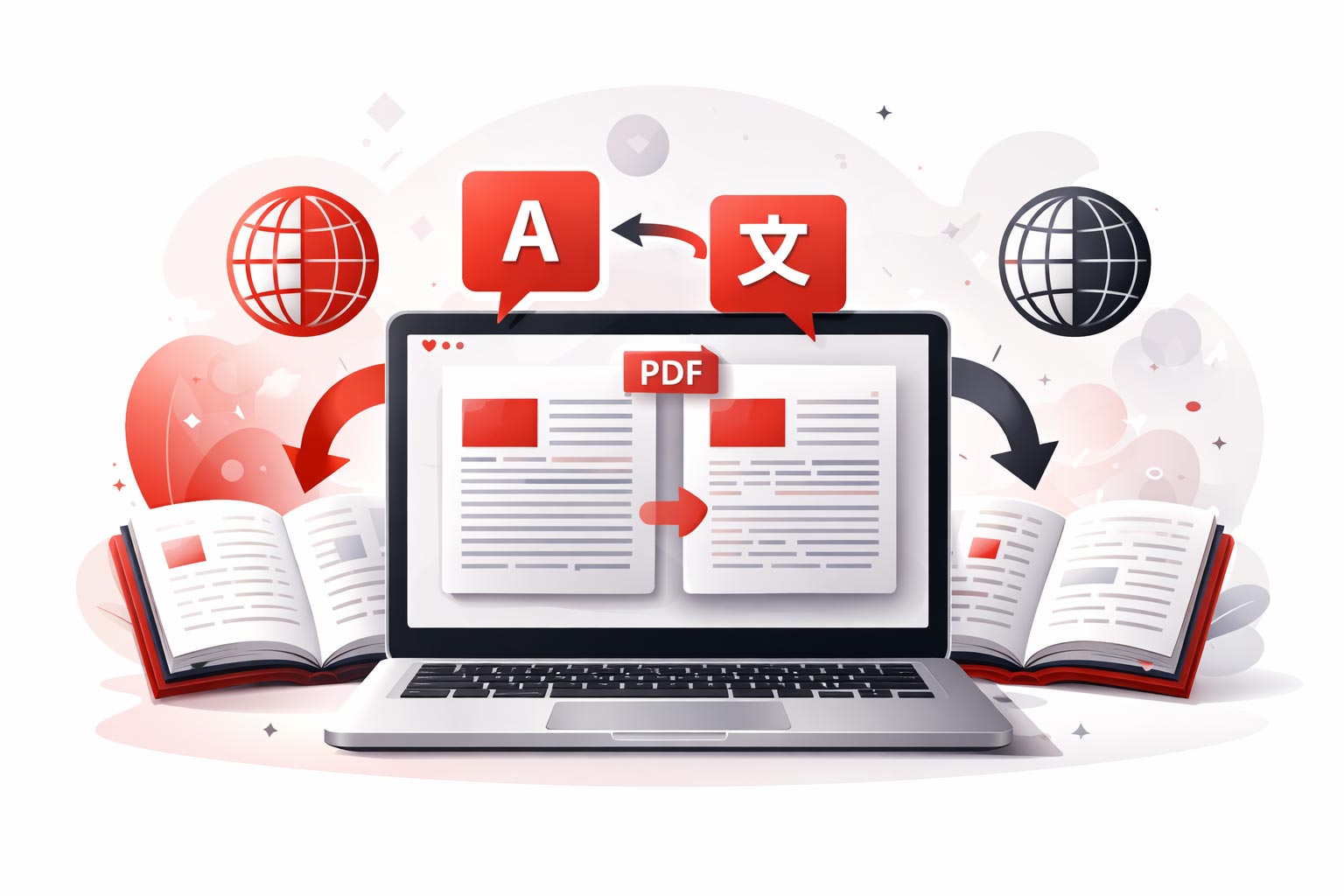
To translate a PDF efficiently, start with a tool that translates the entire document and keeps the page structure intact, then switch to a PDF to Word workflow when the text needs manual edits. Scanned PDFs require OCR to turn images of text into selectable text, and quick quality checks…
-
Free AI PDF Tools Reshape Document Work
In 2026, PDF work is shifting from paid desktop suites to free apps and browsers that now include AI summaries, collaboration, and even advanced editing. The practical result is simple, many everyday document tasks no longer require a subscription, but users must decide when cloud AI is worth the compliance…

Independent PDF Tool Guide